The button is becoming a tool.
Chrome published WebMCP docs today. Web.dev already told teams that agents read screenshots, HTML, and the accessibility tree. The practical next step is not another chatbot layer; it is designing actions that agents can call without guessing what a button means.
Chrome moves from maps to gates.
Tooling · WebMCP enters the developer docs
Chrome’s WebMCP documentation, published today, is the clearest sign yet that the agentic web is moving from interpretation to declaration. The proposed standard lets a page expose structured tools to AI agents so the site can say what an action means before the agent tries to infer it from pixels, element text, or DOM shape.
The important word is not automation. It is purpose. WebMCP is framed as a way for a website to declare actions such as checkout, filtering results, filling an application, picking a date, or running diagnostics, with schemas for inputs and outputs so the agent is not improvising its way through a human interface.
Actuation is the old airport map
Until now, most browser agents have acted like a hurried traveler reading a terminal map from across the concourse. They look at a screenshot, inspect the HTML, read the accessibility tree, click what appears to be the right control, and hope the next screen confirms the guess. That works surprisingly often, but it is slow, expensive, and fragile in the places users most need reliability.
WebMCP changes the posture. The button is still there for the human, but the page can also register the action behind it as a tool with a name, schema, current state, and visible execution path. That does not remove design from the work. It makes interaction design more explicit.
Do not start by asking which protocol will win. Start by naming the actions your interface already asks people to complete, then make those actions legible in the markup, the accessibility tree, and eventually the callable layer.
The readable page still comes first.
Technique · semantic surfaces before protocol surfaces
Two weeks ago, web.dev’s agent-friendly guidance made the baseline plain: agents view sites through screenshots, raw HTML, and the accessibility tree. Complex hover states, shifting layouts, hidden controls, and custom elements without real roles are not just accessibility defects anymore. They are agent defects.
That sequence matters because WebMCP does not rescue a messy product surface. A badly named action is still a badly named action. A checkout flow with unclear confirmation, invisible validation, and ambiguous state becomes more dangerous when an agent can reach it faster.
Design for three readers at once
The human reader needs rhythm, hierarchy, and visual confidence. The accessibility tree needs roles, names, and states. The future tool layer needs stable action names, expected inputs, and visible confirmation. Treating those as separate projects is how teams end up with a beautiful page, a poor screen-reader experience, and a tool surface nobody trusts.
The better move is to design the action contract while designing the screen. If the page has a primary action, the visible label, accessible name, analytics event, server handler, and agent-facing tool should all tell the same story. A mismatch between any two is not an implementation detail; it is a design bug.
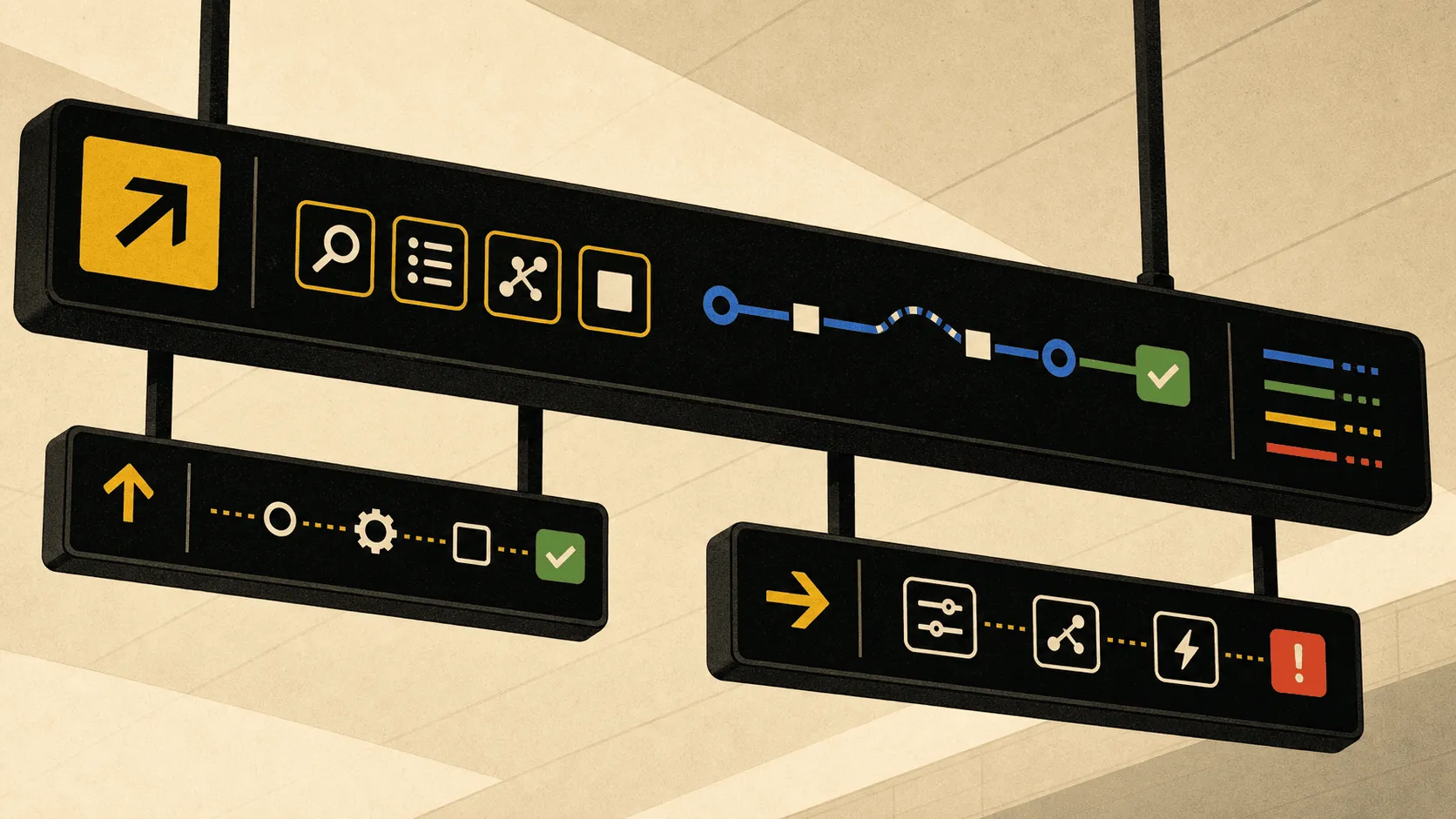
Prototype in code, review in public.
Workflow · when the route returns to the canvas
Figma’s May workflow lab points at the adjacent practice: use the MCP bridge to bring a working prototype back into design space. In the code-to-canvas workflow, an agent captures a localhost prototype as editable Figma frames, adds context pages, and gives the design team a place to refine the flow instead of re-prompting the code generator blindly.
That is the review loop WebMCP-style interactions will need. Once a website exposes actions to an agent, the design team cannot judge the product only by screenshots. They need to review the action list, the schemas, the confirmation language, the visible state changes, and the fallback path when the agent asks for something the page cannot safely do.
The design artifact expands
A modern interaction spec should include a screen, a semantic audit, and an action manifest. The screen shows what a person sees. The semantic audit shows what assistive tools and browser agents can read. The manifest shows what an agent is allowed to do, what it must ask the user to confirm, and what errors it can recover from without wandering the interface.
This is not extra process for its own sake. It is the same discipline that made airport signage work: every route is named before anyone starts moving through it. The fastest way to make an autonomous path safe is to make the path reviewable by a human first.
Add an “agent route review” to design critique. Read the page out loud as actions: search, filter, reserve, confirm, cancel, recover. If the team cannot agree on the verb, the agent will not infer it reliably.
Prompt Lab: recreate this page.
Prompt pattern · the visual system as a working brief
Paste this into your AI design or build tool to reproduce this issue's visual system.
Design a single self-contained HTML page as an airport terminal operations board, public wayfinding infrastructure. The content is a daily design-news briefing: a top nav, an issue masthead with number, date, and read time, a hero headline with a one-line deck, a boxed art-direction note, numbered sections of linked news items with one or two sentences of context each, one pullquote, a monospace prompt block, a sources list, and a colophon.

Treatment: warm concourse paper #F7F1E3; a black enamel #151915 departure-board hero with high-contrast signal-yellow #F5C400 route accents and arrows; gate-number tiles as section headers; a three-stop route board for the lead story; public-signage arrows guiding flow between sections; sources styled as terminal records; wayfinding blue #0057B8, service green #008C72, and alert red #D3381C used only as honest signage states.

Type: Archivo Black for terminal signage display, Atkinson Hyperlegible for body, Literata italic for one editorial card, IBM Plex Mono for gates, routes, and metadata.

Guardrails: body text at least 18px with line height 1.6 or more, prose in the body face and never in monospace, line length 60-75 characters, WCAG AA contrast on every surface, hover and focus states on real links, decoration in the margins and panels rather than under running prose, no fake readable text in images, and no default AI styling (no purple-blue gradients, no glow, no pill-shaped everything). Yellow stays on dark enamel for contrast, never as small text on light paper.
Works in v0, Lovable, Bolt, Figma Make, Beaver Builder AI, or as a Claude / GPT system brief.
Field note: routes beat magic.
Synthesis · the product surface gets a flight plan
The agentic web is often sold as magic: the agent looks, understands, and acts. The better story is less mystical and more durable. Interfaces are becoming public route systems. The sites that work will not be the ones with the cleverest visual tricks; they will be the ones whose actions are named, constrained, confirmed, and visible from more than one angle.
The airport metaphor holds because nobody wants a terminal that feels magical. They want the right gate, the right arrow, the right confirmation, and no surprise when the door closes.
Sources.
Verified 18 May 2026
- A01WebMCPChrome Developers · published 18 May 2026
- A02Build agent-friendly websitesweb.dev · Kasper Kulikowski and Omkar More
- A03Workflow lab: Code to canvasFigma Learn · May 2026 release notes workflow
- A04The agentic web is mostly the accessible webAddy · 6 May 2026
- A05The complete guide to agent readabilityAgent Ready · updated 12 May 2026
- A06Agents FirstJoshua Baer · v0.8, May 2026