NO. 018 Monday / May 25, 2026 ≈ 6 MIN READ

Filed under agent boundaries

Permission banners for agent work.

Cmux, Claude Code permission modes, Vercel Sandbox, WordPress AI Gateway, and new agent-safety research all point to the same design job: make the agent's authority visible before the work begins.

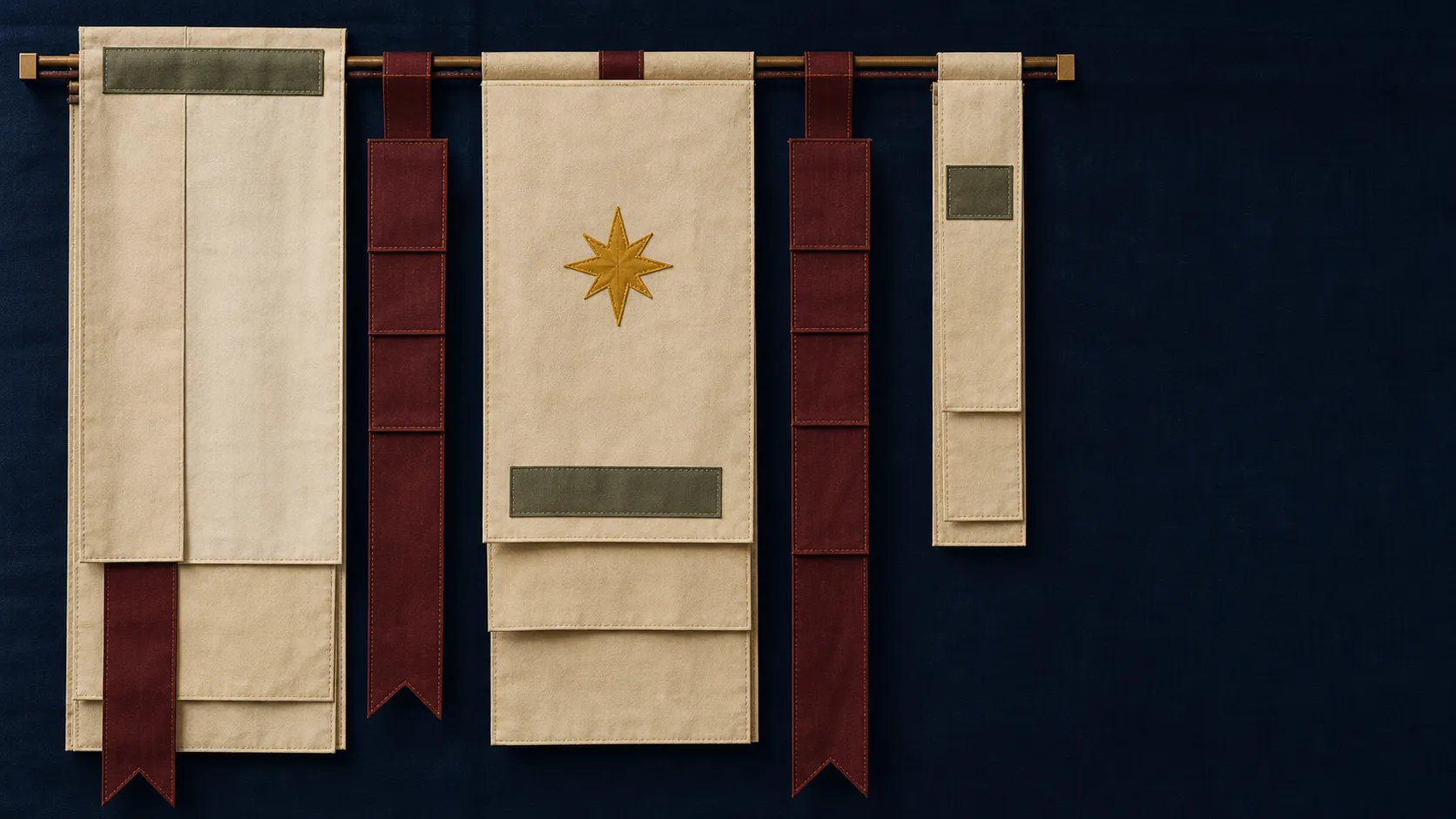
Abstract service-banner textile panels with folded cloth, ribbon bars, and stitched blank labels.
Textile plate / ribbon-bar workspace / blank labels only
Today's Art Direction

Service Banner Modernism / Memorial Textile System

A solemn civic textile language: hanging fields, ribbon bars, sewn labels, and restrained gold-star marks.

Service-banner modernism treats hierarchy as ceremony. Broad cloth panels establish rank, ribbon bars carry status, and stitched blank labels imply identity without turning the page into literal heraldry.

For web editorial design, the idiom is useful because it makes permission and scope feel physical: every boundary is a seam, every approval is a visible marker, and every section has a place in procession.

service bannerribbon barsewn edgefolded clothprocession markergold-star accentcivic textile
§01 Tooling

The agent workstation gets its own ceremony.

Cmux moves agent attention into the terminal.

Cmux is a Ghostty-based macOS terminal built around vertical tabs, notification rings, in-app browser panes, and workspace restore for coding agents. The point is not just more panes; it is a visible station where parallel agents can wait, signal, and be inspected.

The newer cmux skills sharpen that idea for agents themselves, teaching them how to control windows, workspaces, panes, browser surfaces, diagnostics, and markdown panels. The workstation is becoming part of the prompt environment.

Design implication

When agents run in parallel, the UI needs ceremony: clear stations, status markers, and a way to tell which worker is asking for attention.

Vercel keeps exposing agent-readable operations.

Vercel's recent changelog now puts AI investigation output directly into terminal alert flows via the Vercel CLI. That is a small but useful signal: observability is being formatted for both humans and agents at the point where work happens.

§02 Technique

Permission modes are interface copy.

Auto is not the same as invisible.

Claude Code's permission-mode docs spell out the ladder: ask before edits, accept edits, plan mode, auto mode, and bypass permissions. The interesting design detail is that each mode changes both the agent's latitude and the user's review burden.

Teams should treat those modes as labels in the product surface, not buried preferences. A designer would never hide a checkout confirmation policy in a config file; agent permission posture deserves the same front-of-house clarity.

The strongest agent UI is not the one with the fewest prompts. It is the one where the next permission boundary is legible.

Safety research puts numbers behind the feeling.

The new OverEager-Bench paper reports 500 scenarios and roughly 7,500 runs across coding-agent products, then measures when agents take out-of-scope actions on benign tasks. The takeaway for interface work is plain: permission design changes behavior, and permissive frameworks do not all fail in the same way.

§03 Workflow

Run the agent in a room you can inspect.

Sandbox the hands.

Vercel's Claude Managed Agents guide routes tool calls into isolated Firecracker microVMs with credential brokering and deny-by-default egress. The brain can be managed elsewhere; the hands still need a room with walls.

Put credentials behind a counter.

The follow-up implementation guide describes a webhook-driven control plane, fresh sandboxes, and brokered secrets. For product teams, the pattern is less about infrastructure glamour and more about making trust boundaries explicit.

Make model choice a site-level connector.

The Vercel AI Gateway plugin for WordPress gives WordPress AI Client sites a single connector for many providers. That shifts the design question from "which model is hardcoded here?" to "where does the operator choose the model policy?"

Practical move

Before adding an agent feature, draw the permission banner: working directory, network reach, credentials, review points, and the human who can stop the run.

§04 Prompt Lab

Ask for the banner before the build.

Use this when delegating a web change to a coding agent.

The prompt below forces the agent to make its authority visible before it edits. It works best when the team already has a repo instruction file and wants a lightweight scope checkpoint rather than a long planning ritual.

Before editing, write a permission banner for this task:

1. Files or folders you expect to touch.
2. Commands you expect to run.
3. Network calls, package installs, or external APIs you expect to use.
4. Data, credentials, or private files you will avoid.
5. Review checkpoints where I should inspect output before you continue.

Then do only the first reversible step and stop with a diff summary.

Why it works.

The banner gives the reviewer a surface to scan before trust is spent. It also gives the agent a stronger local contract: if the work drifts outside the declared field, the next action should become a question or a stop point.

§05 Field Note

The visible boundary is the product.

Agent products are moving from chat boxes into terminals, sandboxes, CMS connectors, and operational dashboards. The shared design problem is not whether the agent can act; it is whether the human can see the banner under which it is acting.

Permission is becoming a visual system: scope labels, status marks, credential counters, and stop points that make automation feel inspectable instead of magical.

§06 Sources

A field experiment from the team behind Beaver Builder.