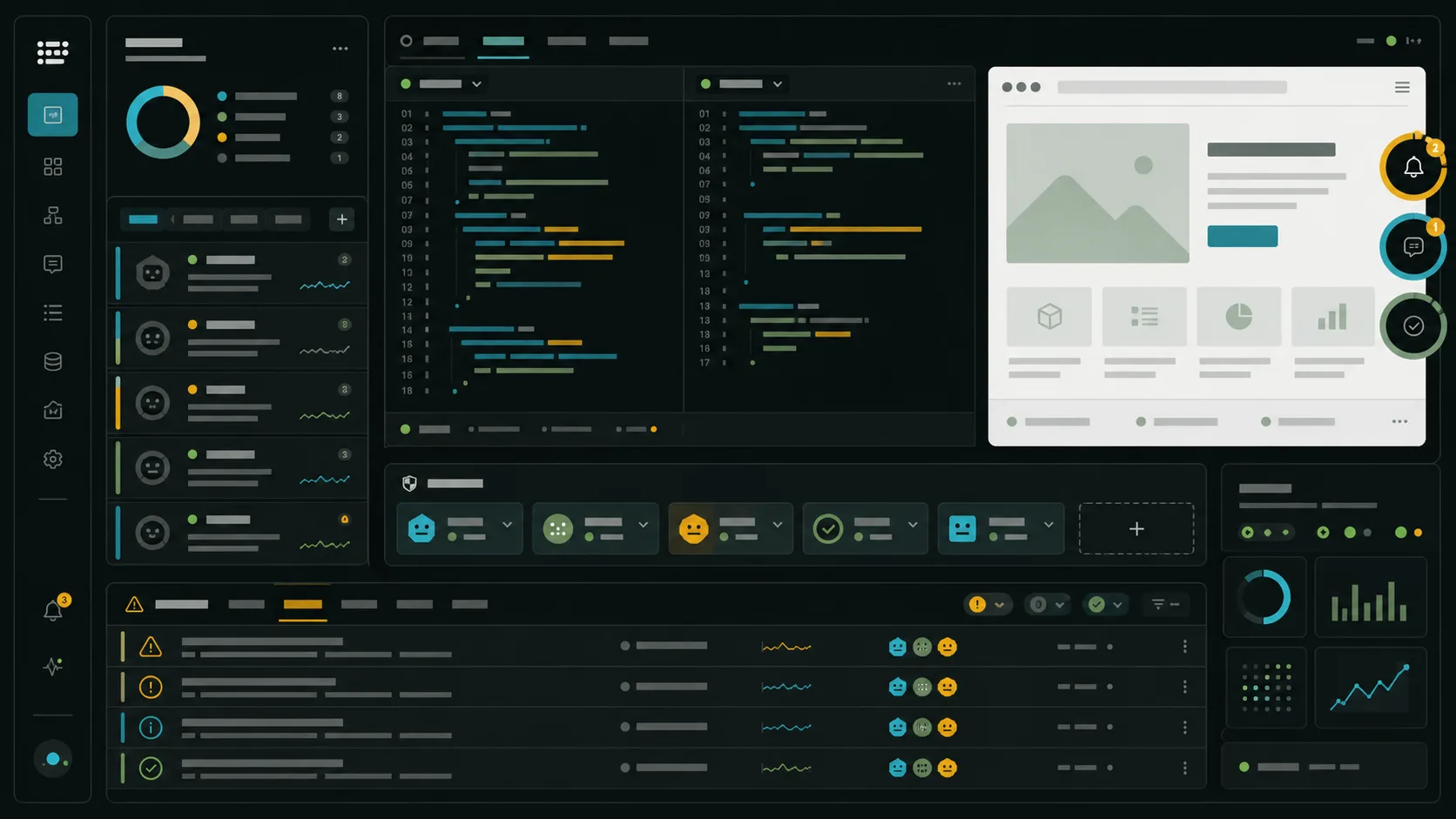
Agent Ops Console / Attention State System
A command-center grammar for agent work that keeps asking for human judgment.
Ops consoles are built for interruption without chaos: the most important state gets a visible ring, permission is separated from telemetry, and the operator can jump from a summary to the live surface. For agentic web design, the reusable move is to make attention a first-class component instead of hiding it inside chat history.
The terminal is becoming an operations surface.
cmux packages the multi-agent desk.
cmux is a Ghostty-based macOS terminal for coding agents, with vertical tabs, split panes, notification rings, and an in-app browser. The design signal is blunt: once several agents run in parallel, the terminal needs workspace metadata, browser state, and attention markers in the same frame.
Vercel moves investigation into the CLI.
Vercel’s alerts command can now show anomaly details in the terminal, and the AI option brings investigation results alongside each alert. That makes production debugging feel less like checking a dashboard and more like handing an agent an already-labeled incident row.
The interface job is no longer “make a place to type.” It is “make a place where parallel work can ask for the right kind of attention.”
Design the attention state before the action.
Separate waiting from working.
cmux’s notification rings are useful because the visible state changes only when an agent needs you. Borrow that restraint: not every run needs a glow, but every blocked run needs a clear target.
Name the permission lane.
Claude Code’s permission modes distinguish planning, automatic file edits, auto decisions, and bypassed checks. Treat those as UI lanes with different risk, not as hidden command settings.
Keep the browser nearby.
For web work, a terminal-only loop misses the thing users inspect. A split browser preview turns an agent action into a state the designer can judge immediately.
Let the console carry the handoff.
Use a two-column agent review layout.
Put the running transcript, diff, or task log on the left, and the live artifact on the right. The operator should be able to answer three questions without scrolling: what changed, what needs permission, and what surface proves the result.
Bring design context into the loop.
Figma’s Dev Mode index now foregrounds workflows like Expanding the canvas with Figma MCP, where real product states return to the canvas for review. The practical pattern is the same as the ops console: bring evidence back into the place where decisions are made.
The next agent interface is less a chat window than a supervised workbench with visible wait states.
Recreate this page.
Paste this into your AI design or build tool to reproduce this issue's visual system.
Design a single self-contained HTML page as an agent operations console, a supervised run queue with attention states. The content is a daily design-news briefing: a top nav, an issue masthead with number, date, and read time, a hero headline with a one-line deck, a boxed art-direction note, numbered sections of linked news items with one or two sentences of context each, one pullquote, a monospace prompt block, a sources list, and a colophon.

Treatment: a flat graphite-green ground #101816; content on mineral-white #E8EFE8 review surfaces; split-pane rhythm pairing prose with console chrome; cyan #2EA7B8 and amber #F3B23C used only as honest state marks (rings, status lights, lane labels); sections arranged like a run queue with status rows; ink #E8EFE8 on dark, #101816 on light.

Type: DM Sans for display and body, Fraunces italic for one editorial synthesis line, JetBrains Mono for terminal labels and states.

Guardrails: body text at least 18px with line height 1.6 or more, prose in the body face and never in monospace, line length 60-75 characters, WCAG AA contrast on every surface, hover and focus states on real links, decoration in the margins and panels rather than under running prose, no fake readable text in images, and no default AI styling (no purple-blue gradients, no glow, no pill-shaped everything). Dark ground without dark-mode cliches: no neon, no glow, no cyan-on-black prose; body text sits on the light surfaces.
Works in v0, Lovable, Bolt, Figma Make, Beaver Builder AI, or as a Claude / GPT system brief.
Attention is a design material.
Hacker News also had a fresh daily-driver guide to Claude Code on the front page, which is a good cultural marker: agent workflows are moving from novelty into operating habits. The next design problem is not whether agents can work; it is whether the surrounding interface makes their state legible enough to supervise.
The strongest agent products will make interruption feel designed: visible, scoped, recoverable, and tied to the artifact being changed.