IssueNo. 162
ThursdayOctober 22, 2026
Read time5 min

Fifteen apps can now edit a Framer site. None can publish it unasked

Framer's new MCP server lets Claude Code, Cursor, Codex and a dozen more change a site's canvas, components and CMS with the editor closed. The changes wait in the project or on a branch until you ask to publish.

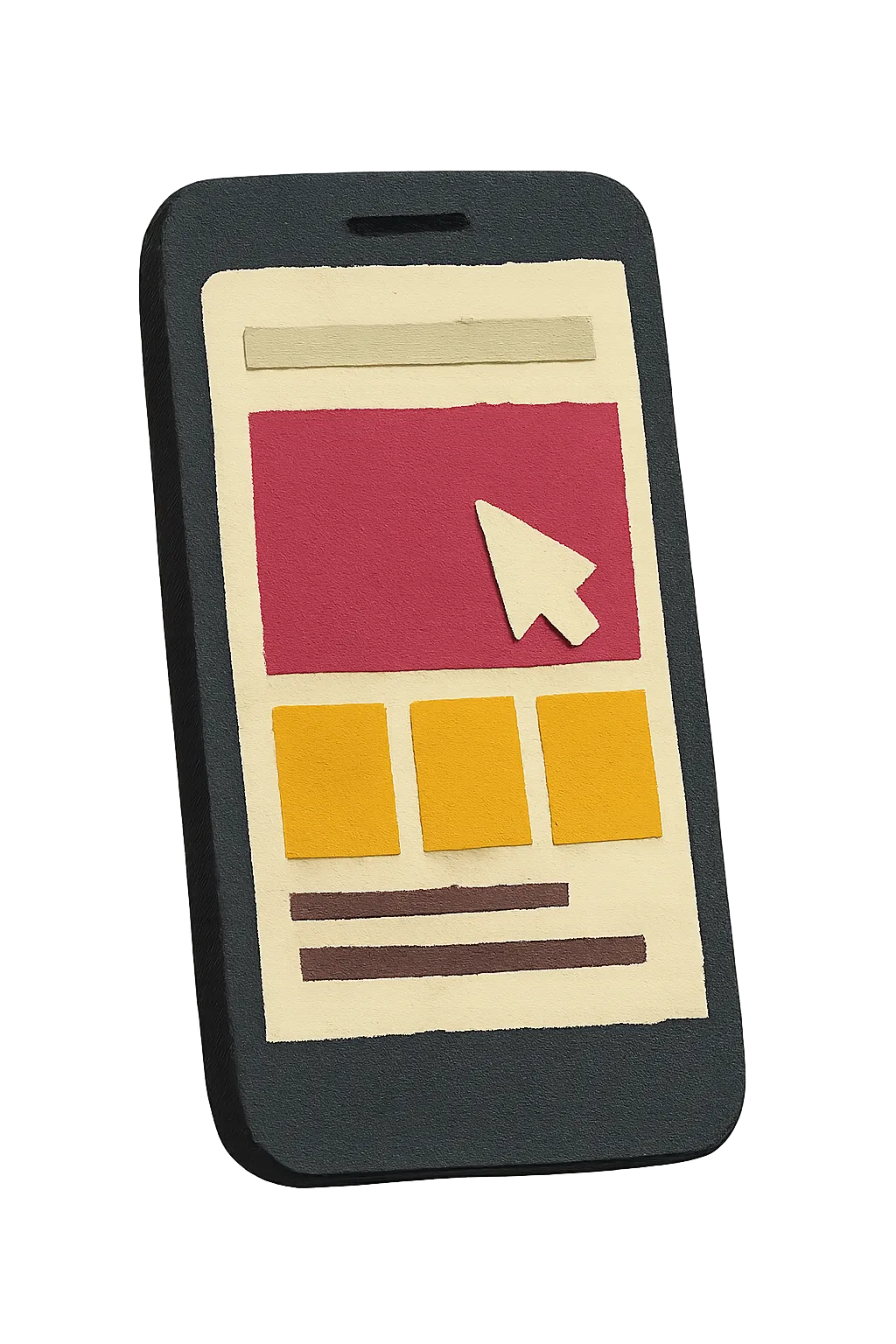
A cut-paper collage of a dark phone whose screen is a paper website: a cream header strip, a raspberry hero block with a cream cursor, three marigold tiles and two plum text lines.

Works with

  • Claude Code
  • Claude
  • Cursor
  • Codex
  • ChatGPT
  • VS Code
  • Windsurf
  • Warp
  • Kiro
  • OpenCode
  • Antigravity
  • Devin
  • Notion
  • Grok Bot
  • Pi

The fifteen clients on Framer's connection page. Any tool that supports remote MCP servers and OAuth can connect too.

Today's Art Direction

The Install Card

An app download page on a hatched raspberry ground, its cream cards strung on a marigold install stepper.

The app download page is the most familiar sell on the web: a phone, a big promise, a store button, then the steps to get started. Here the steps carry the whole page. Every section is an install card pinned to one marigold rail, so reading the issue feels like setting something up.

A Bodoni display face gives the hero a fashion-magazine pitch against a plain grotesk body, and the imagery is cut paper, so the tech product looks handmade.

  1. ToolingFramer, October 22

    Framer's canvas gets a front door for every AI client

    Framer shipped an official MCP server today. Connect it and an AI tool can work on a site's canvas, components, supported project settings and CMS, with the permissions of the Framer account that approved it.

    There is no local bridge and the editor does not need to be open, so the edit can come from a desktop app, a browser tab or a phone. Framer's connection page lists fifteen clients, from Claude Code and Cursor to Notion and Devin.

    The detail designers will care about is the gate. Changes stay in the project or on a branch, and publishing happens only when you explicitly ask for it. In June, Framer's External Agents let Claude Code into a project without a server; this is the official route, open to any client.

    Any of fifteen apps can make the change. The site goes live only when a person asks.

    Does the Framer editor need to be open?

    No. The server runs at Framer's end, so any supported desktop, browser or mobile client can reach the project directly.

    How does a client get access?

    You add the server URL to the client and approve the connection with your Framer account over OAuth. The client then sees the projects that account can see.

    Who pays for the AI work?

    Framer says usage follows the connected tool's own plan or credits. The page does not state any Framer plan requirement or usage limit.

  2. TechniqueShopify, October 22

    Polaris 2.0 puts the major version in the file name

    Shopify's Polaris Web Components 2.0 went stable today. It matches the redesigned Shopify admin, with a new frame, new navigation and a new visual appearance, and it ships at a new address.

    <script src="https://cdn.shopify.com/shopifycloud/polaris-2.js"></script>

    The old file names stay put: polaris.js and polaris-1.js keep serving 1.1, and Shopify says polaris.js never moves to 2.x. An app gets the redesign only when someone edits its script tag.

    Opt in
    Change the script tag to polaris-2.js.
    React Router
    Set the same polarisUrl in AppProvider and in the shopifyApp server config.
    Requires
    shopify-app-react-router 2.1.0 or later.
  3. WorkflowCursor and Vercel

    Two more places an agent's work lands

    Cursor cloud agents hand back a canvas

    Cursor's changelog for October 16 says cloud agents can now build interactive canvases as part of their work, and a finished canvas is shared with the team by sending its link. Cursor has not said what a canvas can hold.

    Vercel Functions keep a socket open

    WebSocket support for Vercel Functions left beta on October 20. Connections are metered like other Function invocations, and under Active CPU pricing you pay for CPU only while messages are being processed, which suits a live preview pane that sits idle between edits.

  4. Design MoveBorrow this pattern

    Show where the change lives

    When edits can arrive from any app, the interface owes the person one answer before anything else: is this live yet? Put a three-step status beside every outside edit, In project, Branch, Live, and make the last step its own named action.

    A cut-paper collage: a cream paper path forks in two; a plum paper hand reaches for a marigold gate latch on one branch while a raspberry flag stands on the other.
    Use it
    Anywhere edits come in from outside tools: CMS screens, page builders, client portals.
    Keep it
    Live never advances on its own. Label that step with the verb the person uses, Publish.
    Add
    Name the client that made the change next to its step, so a late edit from a phone can be traced.

    Try it: one hero edit from Cursor

    1. In projectCursor, 9:41
    2. Branchhero-copy
    3. Liveyours to call
    The edit is saved in the project. Nothing is live.
  5. Prompt LabCopy into your builder

    Build the Install Card

    Build a responsive app download landing page for a product that connects other apps to a website builder. Treat it as a real client page, ready to ship.
    
    Ground and palette: a saturated raspberry page ground (#A8174F) with a faint diagonal hatch (1px lines of #1E0E16 at about 17 percent opacity, every 12px, at 135 degrees). Reading happens on warm cream cards (#FBF1EA) with ink text (#1E0E16). Accent is marigold (#F2B632) for the stepper and button labels; deep plum (#5B1638) for small labels; a darker raspberry (#8E1243) for links on cream. No gradients, no glow, no neon.
    
    Type: Bodoni Moda 700 for the headline and card headings (high contrast didone), Bodoni Moda italic 500 for one pullquote and a single italic phrase in the headline; Instrument Sans 400/600 for body at 19px with 1.65 line height; Fragment Mono for small uppercase labels only.
    
    Structure, top to bottom:
    1. A plain top nav: wordmark left, three links right.
    2. Hero, two columns. Left: a ticket-stub masthead (a cream strip with half-circle notches cut from both ends and dashed perforations between three labelled fields: issue, date, reading time), then a 15ch Bodoni headline, a two-sentence deck, and a store-style button (ink rectangle, 12px radius, small mono label over a larger line naming the real destination) beside an underlined text link. Right: a transparent cut-paper illustration of a phone, tilted 4 degrees, overlapping the band below it.
    3. A full-width ink compatibility band: a mono label "Works with", the supported apps as plain text chips with a thin cream outline, and one sentence on how other apps can connect.
    4. The style or about block on the ground in cream: name, one italic line, two short paragraphs, small cream tags.
    5. The main content as an install stepper: one centred 860px column, a 3px marigold rail down its left gutter, and a 56px marigold numbered node at the top left of each cream card. One card per step: what it does, how it works, workflow, a design pattern card inverted to ink, the prompt, a short note, sources.
    6. Inside the first card: a short FAQ built from native details and summary elements with a plus mark that rotates to a cross.
    7. In the ink card, a working demo: three status nodes (In project, Branch, Live) on a track, and buttons that advance the state; the Live step only changes when the Publish button is pressed.
    8. Footer navigation as three translucent ink tiles, then a colophon.
    
    Readability and craft guardrails: body text at least 18px with line height at least 1.6 and 60 to 75 characters per line; WCAG AA contrast for every small label on its real background; cards 12 to 14px radius, buttons 8 to 12px, circles only for stepper nodes; one soft drop shadow, on the hero illustration only; hover and focus states on every link and button with 150ms easing and a prefers-reduced-motion guard. Images contain no readable text. No fake search bars, no logo walls, no three identical feature cards, no accent stripe on the left of cards. On mobile the hero stacks with the phone below the text, the rail moves to a 16px gutter with 36px nodes, and every split goes to one column.

    Works in Claude Code, Framer, Cursor, v0, Lovable, Figma Make and Beaver Builder AI.

  6. Field NoteClosing

    The button that stays with you

    Framer and Webflow both take outside edits over MCP now, so the useful question about a builder is who presses Publish. Framer answered it in one line.

    Connect atframer.com/mcp