Starter
DefaultFor one site, billed monthly
Updated Tuesday, 27 October 2026, 5 min read
A designer can now park a default component in a Webflow slot. New instances arrive with it placed, edits to the default reach every instance still using it, and marketers keep swap, reset and clear.
Today's art direction
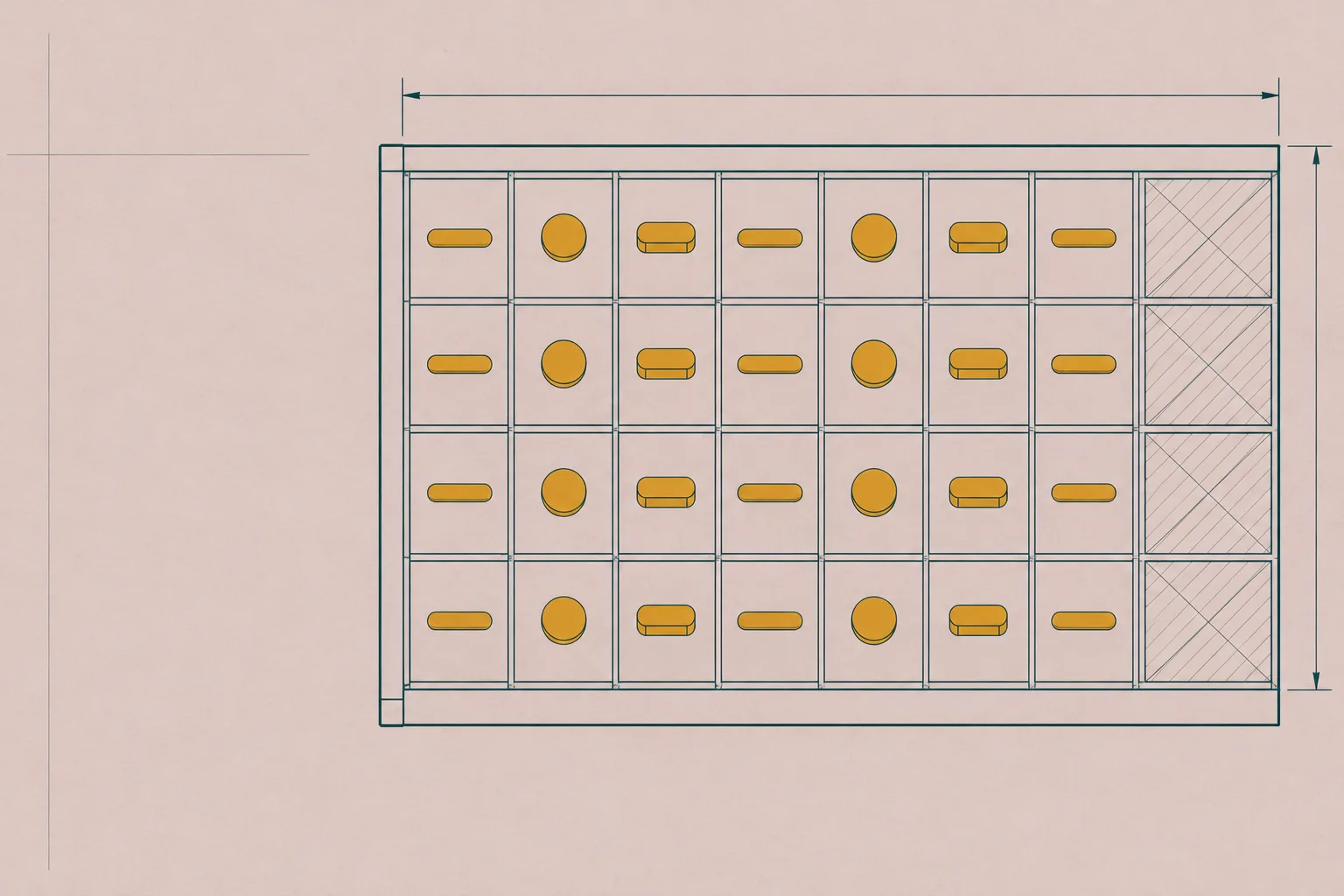
A component documentation page on dusty rose, where every section behaves like a slot that shipped with its default already inside.
A component docs page is the reference surface a design system ships: usage notes, an API table, a playground that runs the real thing. This one documents the slot pattern itself, in deep teal ink with saffron kept for fills, set in one type family from serif headings down to mono labels.
Until last week, an empty slot in a Webflow component gave the marketer filling it no clue what belonged there. With component slot defaults, a designer drops components into a slot on the main component, and every new instance of that component arrives with them already placed.
Webflow's own example is a card with a button in its slot: add the card to a page and the button comes with it, ready to edit. Change the default on the main component and every instance still using it updates, while marketers can swap the content, reset the slot, or clear it on a customized instance.
An empty slot gives Marketers zero indication of what belongs there.
Webflow, Component slot defaults
| Action | Who | What happens |
|---|---|---|
| Add a default | Designer, on the main component | New instances arrive with the component already in the slot. |
| Edit the default | Designer, on the main component | Every instance still using the default updates with it. |
| Swap | Marketer, on an instance | The slot takes a different component on that instance only. |
| Reset | Marketer, on an instance | The slot goes back to the main component's default. |
| Clear | Marketer, on a customized instance | The slot empties on that instance. |
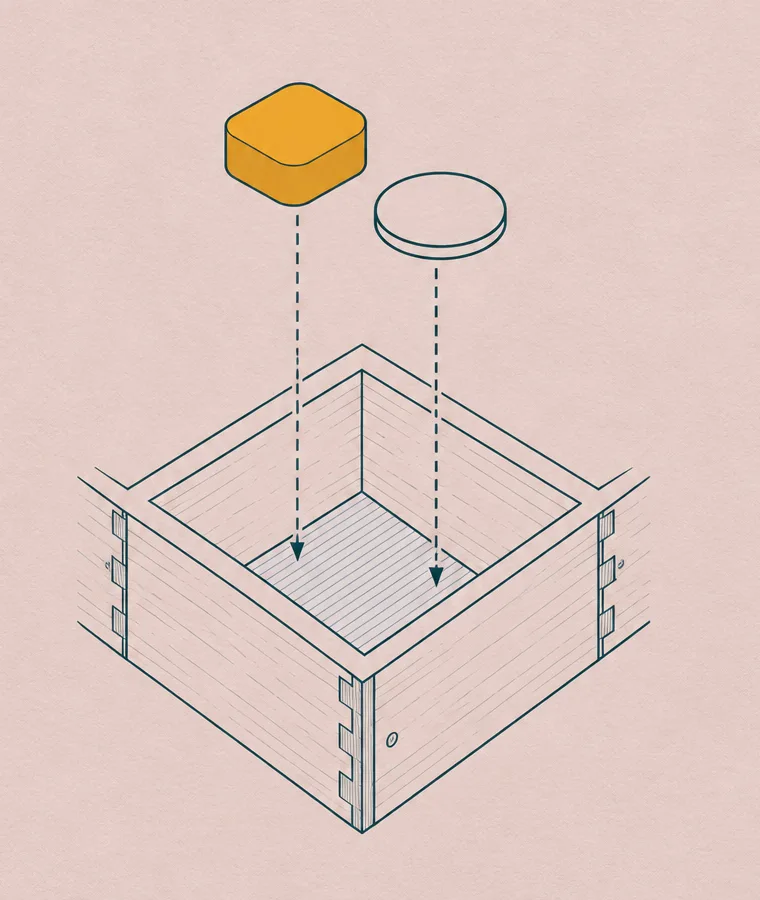
Webflow's Box element takes the place of Div Block, Section, Container, Columns, Grid, V Flex and H Flex in the Add panel. The HTML tag becomes a setting you can change at any time: div, section, nav, header, footer, main, article, aside, address or figure.
Alongside it, 19 more elements take tag selectors, which style a tag once the way a CSS type selector does. A Box set to section picks up your All Sections styles, and the new selectors start empty so nothing shifts until you touch one. Old elements keep working, and both changes are open to the Designer role on every plan, Free included.
/* What an All Sections tag selector amounts to */
section { padding-block: 72px; max-width: 1120px; margin-inline: auto; }

/* A Box with its tag set to section publishes as */
<section class="pricing">...</section>
Plain CSS equivalent of one tag selector, for reading, not pasting into Webflow.
Editing a generative plugin or shader in Figma now saves a new version, and earlier versions can be opened and restored. Each one gets an agent-written description, so the list reads as a change log that also marks which version is published. Figma says it is rolling out this week.
That fills a gap from September, when Figma shaders started shipping as code: a shader background tuned by prompt could drift with no way back. Now a bad tweak is one restore away.
Formatted text fields in Framer's CMS and on the canvas now show multiplayer cursors, so a writer and a designer in the same field can see who is editing and where. Canvas cursors also got smaller and higher in contrast.
The same update lets formatted text hold website embeds and Vimeo videos through a new insert menu, and CMS collections can now filter by reference and multi-reference fields.
Give each slot in a component a real default, then mark every instance by state: on the default, customized, or cleared. Editors can see whether a change upstream will reach them, and one reset puts a stray instance back.
Use it on pricing tiers, card grids, team pages, anything a client's team fills in after handoff. What keeps it honest: the default is content a client would actually ship, and a cleared slot shows a deliberate empty state rather than a collapsed gap.
For one site, billed monthly
For a team of five
For client work at scale
Change the default above: only instances still on it follow.
/* State is data, so the label and the style can't disagree */
.slot[data-state="default"]    { border-style: dashed; }
.slot[data-state="customized"] { border-style: solid; }
.slot[data-state="cleared"]    { background: var(--checker); }
Build a component documentation page for a design-system component called Slot, as a calm reference page a client's team would really use.

Structure: a plain top nav. A full-bleed hero band whose ground is a technical drawing (fine deep teal linework on dusty rose paper) filling the right two thirds; in the open left third, a breadcrumb rail as the masthead (site, section, page number on the left; updated date and read time on the right), a filled saffron kicker label, a large serif headline, a two-sentence deck, one saffron button with a hard 3px ink offset shadow, and one text link.

Under the hero, a sticky horizontal tab bar listing every section; the active tab gets a 3px saffron underline, set with IntersectionObserver. Then one centred 760px reading column. Each section opens with a filled saffron source label and a mono shipped date above a serif h2 with a hanging # anchor link in the left gutter.

Break out to 1120px for: an API table (Action, Who, What happens) on a pale sheet; a portrait drawing beside a dt/dd facts list; and a live playground inside a dark teal design-move panel. The playground: a native radio group choosing the slot default above three instance cards, each with a dashed slot outline tagged "slot: action", a state label in words (Default, Customized, Cleared) and real Swap, Reset and Clear buttons. Changing the default updates only instances still on it and says so in an aria-live line. A cleared slot shows a transparency checkerboard, never a collapsed gap.

Prompt block as a two-column panel: copy button and a checklist on the left, the prompt on a dark teal sheet on the right. References as a three-column table, a two-card previous/next pager, colophon.

Palette: ground #DCC7C2 dusty rose (flat, no pattern), ink #0E3B3E deep teal, sheet #F7EFEC, saffron #E2A42B only as fills under ink text, italic accent #7A4A12. Type: Source Serif 4 for headings, Source Sans 3 for body, Source Code Pro for labels and code.

Guardrails: body at least 18px with line height 1.6 or more, 60-75 character measure, WCAG AA for every label on its real surface, no fake readable text in images, no neon, glow, gradient text or purple-blue defaults, radius 6-12px, hover and focus states at about 150ms with a prefers-reduced-motion guard. On mobile the drawing drops below the headline as a cropped band, the tab bar scrolls sideways, and every wide stage stacks.
Paste it into Webflow, Framer, Lovable, v0, Figma Make, Claude Code or Beaver Builder AI.
Three of today's four items give a design tool a memory of intent: a slot remembers its default, a shader its past versions, a text field who else is typing in it.
| Title | Publisher | Date |
|---|---|---|
| Component slot defaults | Webflow Updates | Oct 23, 2026 |
| Slots | Webflow Help Center | Reference |
| Box element and expanded tag selectors | Webflow Updates | Oct 13, 2026 |
| View and restore previous versions of your generative plugins and shaders | Figma Release Notes | Oct 27, 2026 |
| CMS Update: Multiplayer Cursors | Framer Updates | Oct 27, 2026 |