Cursor's iOS app turns the cloud coding agent into something you can steer from a phone, while Vercel and CSS keep pulling more of the build loop into the web surface itself. The work is leaving the desk without leaving the project.
Futur ismo
Italian Futurist Poster
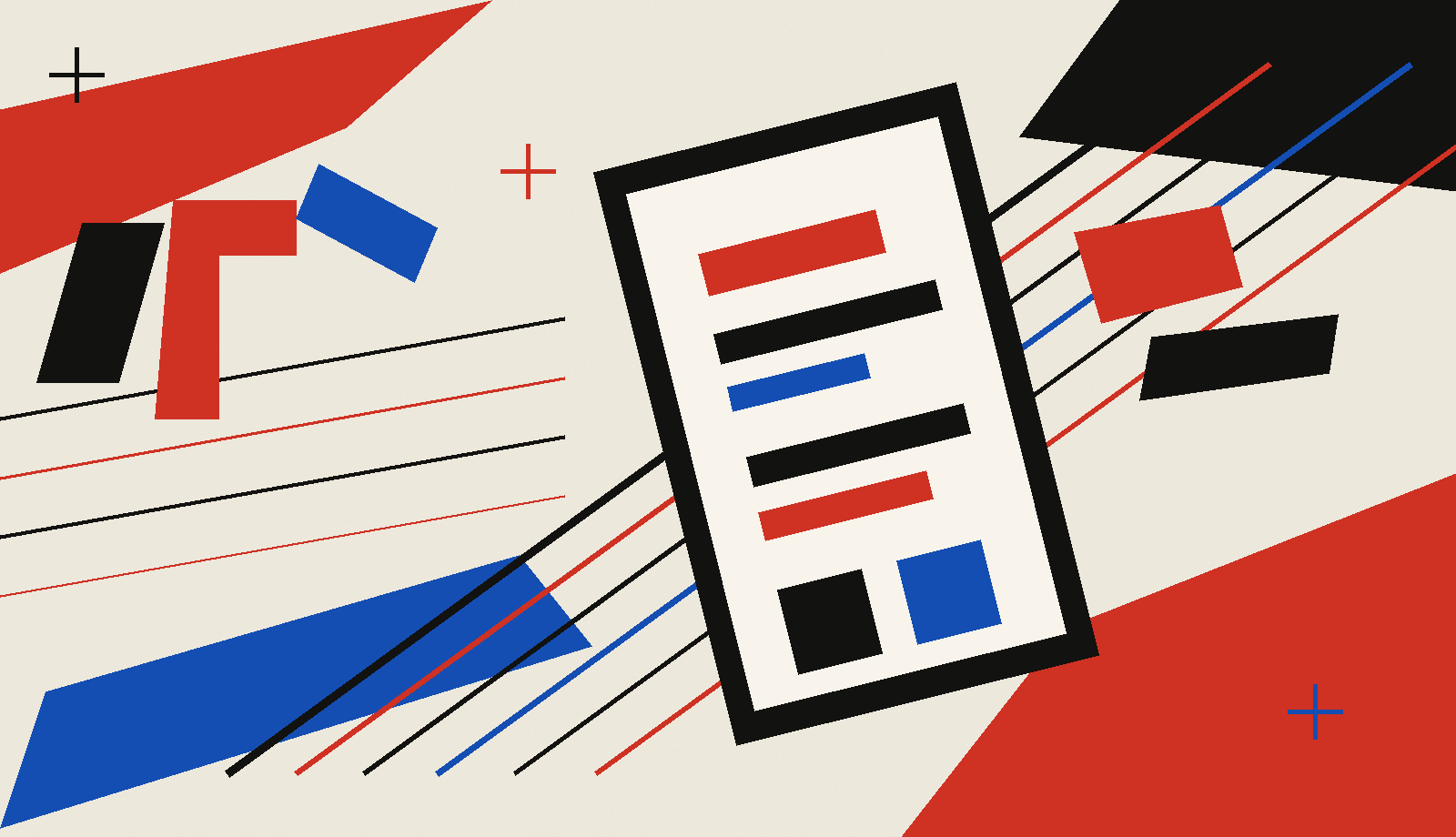
A release landing page built from mechanical diagonals, flat vermilion planes, and a phone-as-velocity hero plate.
Italian Futurist posters treated words, machines, and movement as one composition: diagonal lockups, force lines, heavy contrast, and flat planes of color. On the web, that becomes a release page where the product surface and the headline lock into one visual system. The practical move is type-as-shape over a hero image: let display type collide with a product plate above the fold, then return the reading column to level, high-contrast text.
Release landingType as shapeForce lineProduct plateProgram slotFlat planeMechanical diagonalTicket meta
Cursor's native iOS app is now in public beta, with cloud agents, remote control, Live Activities, push notifications, artifacts, and source-control review from the phone. The useful shift is mobile direction: start or steer a coding agent while the work runs elsewhere.
For web teams, that changes the checkpoint surface. A build can ask for a decision in a pocket notification, show the artifact, and hand back a diff for review without waiting for everyone to return to a desktop IDE.
CSS-Tricks maps the growing line between CSS states and JavaScript events, from long-standing pseudo-classes to newer state features that let the stylesheet react to more interface conditions. It is useful reading for agent-built UI because it names when a model should reach for native state before wiring extra script.
The companion roundup also flags current browser work on gap decorations, random values, and select field sizing. These are small features, but they point in the same direction: more interface behavior and polish belongs in the browser language itself.
Vercel Services runs multiple frontends and backends as one project, wiring routing, environment variables, builds, logs, rollbacks, and internal service-to-service communication across the stack. The same launch week adds Dockerfile support, so Rails, Django, Spring Boot, Go, or another HTTP server can deploy to Vercel Functions from its existing container shape.
The design consequence is a simpler prototype-to-product path. The page, API, worker, and service all sit under the same deployment story, which gives an agent fewer seams to explain and a human reviewer one smaller surface to inspect.
The shadcn/ui project released @shadcn/react 0.2.0 today. In a week full of bigger platform news, it is a small reminder that agentic UI still depends on component distribution that stays readable, local, and editable after generation.
Put motion in the hero. Keep the reading track level.
Prompt Lab
Build the Futurist release page
A copy-and-paste recipe for the visual system, written for an AI design or build tool.
The recipe
Design a single web page as an Italian Futurist poster translated into a product release landing page. The page should teach type-as-shape over a hero product plate, with a structure that avoids the generic startup landing pattern.

Palette: warm bone paper (#EDE8DC) as the dominant ground, near-black ink (#121210) for body text, vermilion (#CF3123) as the loud graphic accent, and electric blue (#144EB2) used sparingly for rules and one accent plane. Use flat planes only. No gradients, neon, glow, glass, or violet defaults. Keep all running text on bone or warm cream at WCAG AA.

Type: a mechanical extended geometric display face such as Syncopate for the hero headline and art-direction name; a clean grotesque such as Barlow for 19px body text at about 1.68 line-height; Barlow Condensed for big program numbers; a monospace such as Roboto Mono for issue metadata, source labels, and the prompt block. Tilt only the display headline and large slot numbers. Keep paragraphs, links, and metadata level and easy to read.

Layout: create an event or release landing page. Top: a compact nav and a ticket-style metadata strip with issue number, date, archetype, and reading time. Above the fold: one giant diagonal headline spanning the page, a narrow left ticket column with the day's thesis, and a large hero plate on the right showing an abstract product surface or phone with force lines and flat color planes. The headline may overlap the plate slightly. Below: a Today's Art Direction panel with a large decorative Futurismo mark and vocabulary tags. Then program slots for Tooling, Technique, Workflow, and Prompt Lab. Each slot uses a huge diagonal number as the marker, a level section label, a headline link, source credit, and one or two readable paragraphs.

Imagery: create one integral bitmap or SVG hero plate in the first viewport. It should be a flat poster-style product surface, like a tilted phone or web canvas, with blank bars and blocks instead of readable text. Use force lines and flat red, black, and blue planes to show velocity. The image must work in a 1200x630 crop and a 600x800 cover crop.

Components and guardrails: ticket metadata strip, product hero plate, art-direction vocabulary tags, program slot rows, one bold pull line, numbered sources, and a real copy button for the prompt. No fake countdown timers, fake search fields, toggles, dot-chip legends, emoji, 3D blobs, stock people, accent left-border stripes, or identical feature cards. Provide hover and focus states for real links and buttons with 120 to 180ms easing, plus a prefers-reduced-motion guard.
Works in: Beaver Builder AI, v0, Lovable, Cursor, Figma Make.
Field note
The useful pattern is the smaller decision surface: a person can approve, redirect, or review a web build from wherever the work finds them.