Tonight's game: co-op building
Vibe coding just went multiplayer
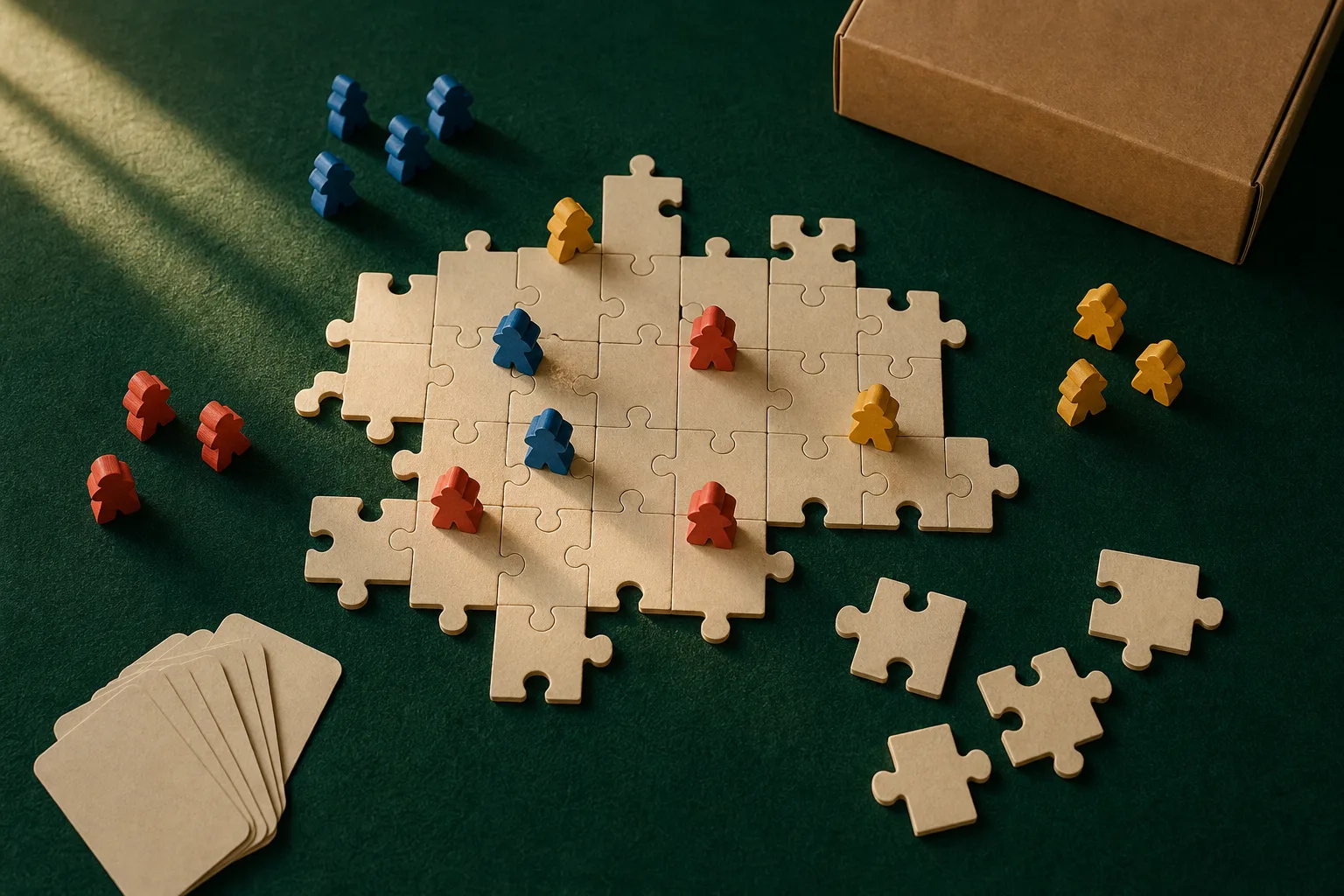
Play with Putty, a new research experiment from Google Labs, seats several people and a fast model at one shared canvas. Everyone prompts, everyone watches the same build take shape.
How it plays
Google put a player count on the prompt box
Google Labs announced Play with Putty on August 25 with a waitlist and a one-line pitch: your imagination goes multiplayer. A group of people share one workspace, describe the tool or site they want, and a fast model builds it while every player watches the same state change in real time.
Two details matter for working designers. You can select any element on the canvas and give it an instruction in plain language, and a shared history ledger records every change so anyone can walk the project back to an earlier state. Direct manipulation and legible version history are exactly what prompt-only builders keep missing, and this experiment treats both as table stakes.
The team behind it includes Szymon Kaliski, whose research tools have long explored how software can support thinking together. That pedigree shows: the pitch is not faster output, it is building without breaking the group's creative flow.
Ready for your imagination to go multiplayer?
Google Labs, announcing Play with PuttyWhat's in the box
Today's art direction
The Game Table
A cooperative board game product page dealt onto billiard felt.
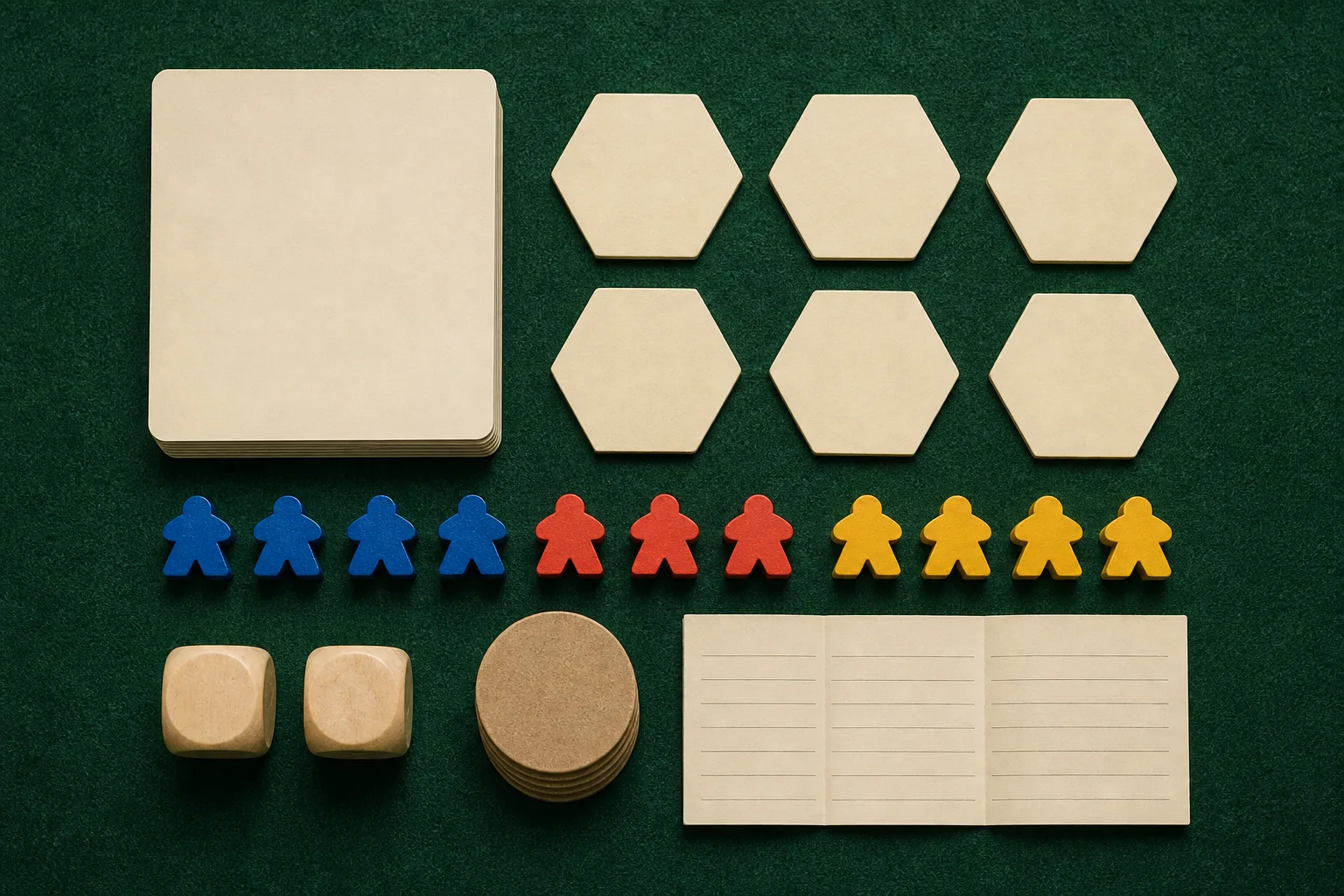
Modern designer board games ship with a page vocabulary of their own: a buy box that answers players, time, and mode in labeled chips; a photographed contents manifest; numbered rulebook steps; a scorepad. This issue borrows that whole kit for an ecommerce product page and lays it on deep green felt with cream card stock, kraft, and meeple primaries. The register is tabletop packaging rather than game UI, so every panel reads as a printed component sitting on the table, and the photography keeps one commission: warm light, one felt, one cast of meeples.
- billiard felt
- buy box
- spec chips
- contents manifest
- rulebook steps
- meeples
- scorepad
- kraft stock
Step one · Tooling
Set up the table
Type foundry
Koto opens a foundry priced like a product
The studio behind identities for global brands launched CcType with a single release: CcTimeline, a variable display serif with adjustable contrast and swappable terminals. The license is the news for working designers. One purchase, priced by company size, covers brand, web, and app use with no renewals or traffic caps.
Video
Flow holds your character between two frames
Google Flow now keeps subjects consistent between a chosen start and end frame, drafts at cheap 360p for exploration, and exports finished cuts at 1080p or 4K. The update runs on Gemini Omni 1.1 Flash and reached all Flow users this week.
Step two · Technique
Take turns
Color science
How color became a number
Quantifying Colour walks from spectral power distributions to the CIE 1931 color space with a live diagram at every step. Read it for the punchline every palette argument needs: why 16.7 million hex values still cannot name every color a screen is asked to show.
Browser tooling
Polypane reads your selectors back to you
Polypane 30.1 highlights which part of a selector carries its specificity, toggles between rendered and server-sent HTML in the sources panel, and checks the new WCAG 2.2 target-size rule in its accessibility pass.
Step three · Workflow
Win together
Research
Figma put a number on AI collaboration
Figma's research team runs a sentiment index over the design industry the way economists track consumer confidence. In the 2026 read, the collaboration score nearly doubled from 32 to 58, and every dimension beat last year's expectations. The same week, Google bet a whole experiment on that curve.
Security
Webflow strips secrets before the model sees them
An AI coding agent ran printenv to debug a deploy and put a live AWS token into its own context window. Webflow's answer is ctxcop, an open source CLI that filters credentials out of agent context on the theory that your coding agent never needed your keys to do its job.

Borrow this pattern
The spec-chip buy box
A board game box answers four questions before you pick it up: how many players, how long, what age, competitive or co-op. Port that discipline to any product or service page. Put the four facts a buyer checks first, who it is for, how long it takes, what it costs, what is included, as labeled chips beside the primary call to action, then back them with a complete what's-in-the-box list further down the page.
What keeps it honest: every chip is a checkable fact, never an adjective, and the manifest lists everything with counts. If a chip could survive on a competitor's page unchanged, it is marketing filler; replace it with a number.
Prompt Lab
The scorepad: hand this prompt to an AI build tool and it will deal today's visual system for your own project.
Build a product detail page for a cooperative tabletop board game, styled as tabletop packaging photographed on a game table rather than as a game UI.

Ground: deep billiard-green felt (#2C5743) with a soft top-lit vignette, fine noise grain, and a thin stitched border inset around the viewport (2px dashed cream at low opacity). All content panels are warm cream card stock (#F4EDDA to #F7F1E1) with 14px corners and hairline #E2D6B6 edges, sitting on the felt like printed components. Accents: cobalt #2E5CB8, kraft #A97C50, mustard #E0AC35, coral #C75B3D used sparingly.

Masthead: a cream box-lid band, not a meta table: brand name in a heavy slab serif, a rotated circular cobalt badge carrying the issue or edition number, and edition date set in monospace at the right.

Hero: left column holds an eyebrow label in mustard monospace, a display headline in a heavy slab (Alfa Slab One), and a two-line deck. Right column is a buy box card: product name, a 2x2 grid of spec chips (label in small caps monospace over a bold value: players, mode, sync, status), one cobalt call-to-action button, one line of fine print. Below, a full-width framed photograph band: overhead tabletop shot, one consistent commission across all images (same felt, same warm raking light, wooden meeple primaries).

Sections are rulebook steps: a cream circle chip with a large step number, a mustard monospace step label, a slab heading, and a rule that runs to the margin. Items are dealt as cream game cards in a two-column grid with a small monospace category tag, slab item title, and two sentences of body text. Include a what's-in-the-box manifest: rows pairing a monospace count (1 x) with a bold component name and one plain sentence. End with a scorepad block: monospace text on ruled cream lines (repeating linear gradient, one line per 26px).

Type: Alfa Slab One for display, Nunito Sans 400/600/800 for body at 19px with 1.7 line height, Space Mono for labels, counts, and the scorepad. Body text never sits directly on the felt below 18px cream; small labels on felt use light sage (#AECAB9) at 14px or larger.

Guardrails: body a minimum of 18px, line length 60 to 75 characters, WCAG AA contrast on every surface including sage on felt, no text baked into images, no neon or glow, no gradient text, no pill radii except genuinely circular badges, restrained hover lifts only (150ms) with a prefers-reduced-motion guard.
Plays in Beaver Builder AI, Claude Code, Figma Make, v0, Lovable, and Cursor.
Field note
Every AI builder so far has assumed one person alone with a prompt box. Putty's wager is social: that making a website could be a thing a few people do together at a table, closer to game night than to a ticket queue.
Sources
- Play with Putty: simple, collaborative vibe coding (Google Labs)
- Play with Putty, project notes (Szymon Kaliski)
- Koto's CcType is a type foundry built for the way brands work today (The Brand Identity)
- Google Flow brings new creative control features (Google)
- Quantifying Colour (ekunazanu)
- Polypane 30.1: selector specificity insights, server HTML validation (Polypane)
- How do you actually measure the impact of AI on design? (Figma)
- Need to know: how Webflow keeps secrets out of agent context (Webflow)