Rather than adapting to rigid, one-size-fits-all software, artists and designers can now shape their own creative technology.
23 Sep 2026
4 min read
New in Google Flow
Five creatives built six tools in Google Flow. Copy any of them
Google Labs released six Flow tools made by working creatives. Run one as built, duplicate and remix it, or describe your own. Plus: sandbox storage that outlives the sandbox.
- Pieces
- 6 tools
- Makers
- 5 creatives from sound, film, content, and interiors
- Opens in
- Google Flow
- Three ways to take it
- As shippedOpen a shared tool and run it.
- DuplicatedCopy it, then remix it to fit your setup.
- From scratchDescribe the task and build your own.
Or start empty in Google Flow
Today's art direction
The Maker's Set
A workshop brand's product page, shot in studio light on a peach paper backdrop.
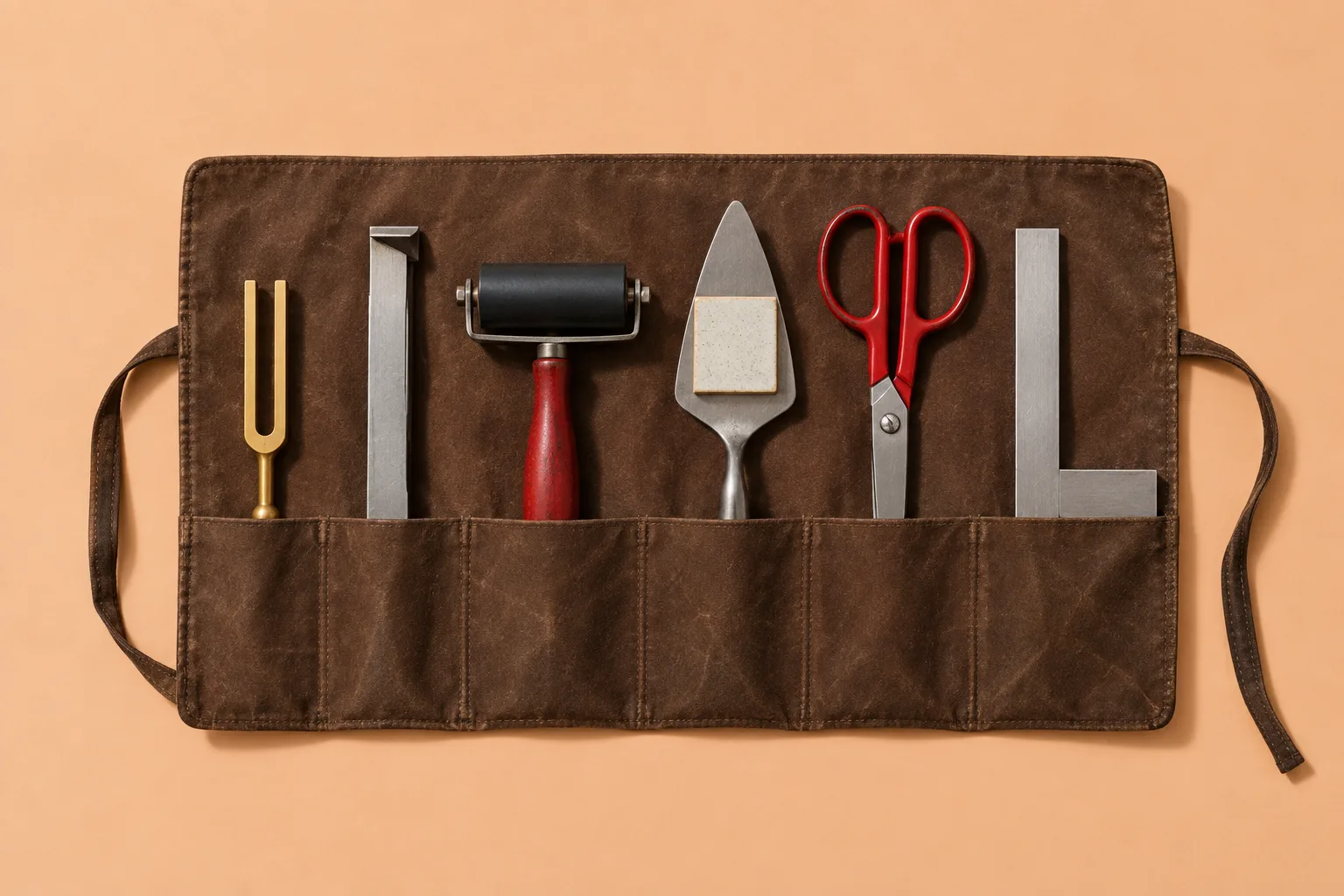
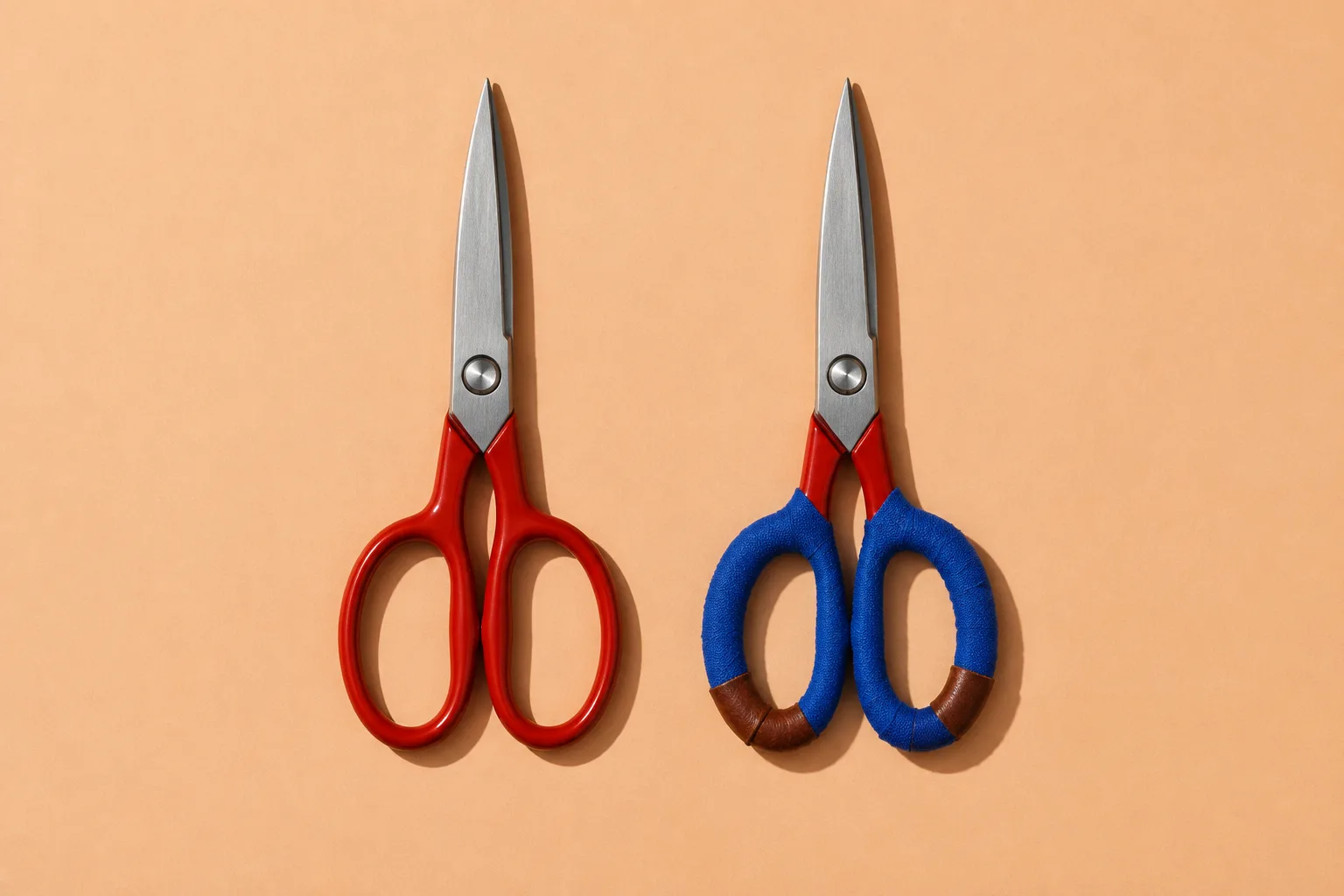
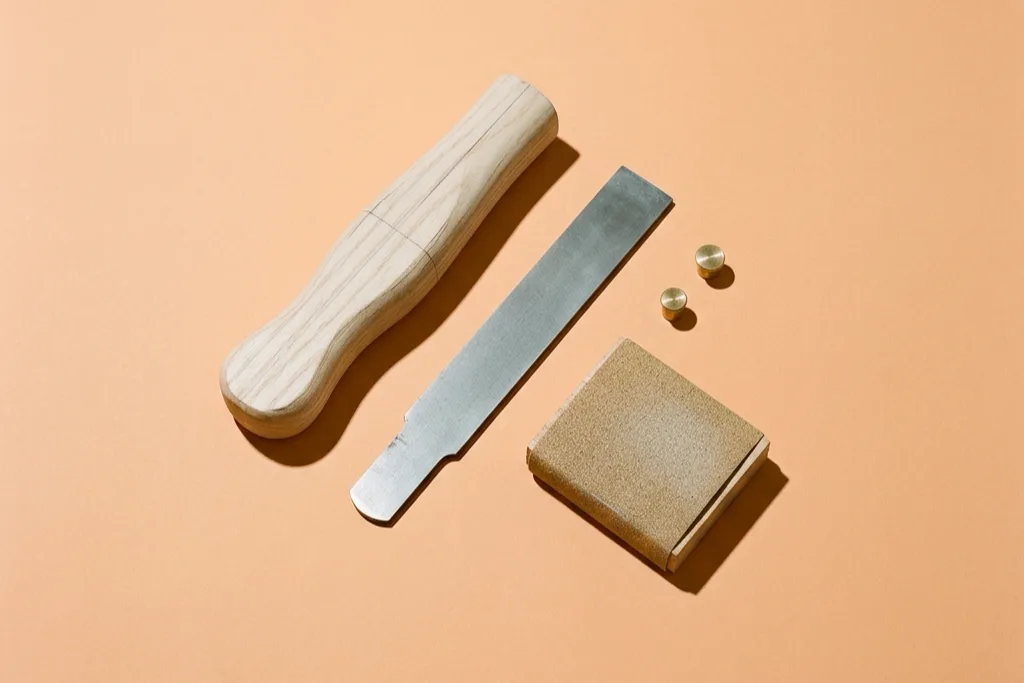
A direct-to-consumer product page for a six-piece tool set. The gallery tells a sequence (as shipped, duplicated, from scratch) instead of three angles of one object, and the variant rows in the buy-box point at those frames. A hang tag carries the issue number, condensed workshop type sets the titles, and the long copy folds into native accordion rows the way a real product page folds its details.
- Product gallery
- Sequence thumbnails
- Hang tag
- Buy-box
- Variant rows
- Accordion details
- Pairs well with
- Instruction insert
What's in the set
Tooling
- 01
Mondo Sónico
Ricardo Villavicencio, Sebastián CarvalloGenerates ambience, foley, and sound effects on separate editable tracks, so each stem exports on its own for post-production.
- 02
CaptionCast
Jay PirabakaranA single-pass pipeline that transcribes, styles, and animates multilingual captions in seconds.
- 03
ThumbnailForge
Jay PirabakaranTakes one image, a headline, and a prompt, and renders cover art formatted for each social platform. A share-card generator by another name.
- 04
Surface
Vojtek MorsztynGenerates custom textures, from minimalist patterns to Art Deco tiling, and maps them in real time onto 3D walls, ceilings, and floors. Built for interior ideation; useful for anyone who needs a believable material swatch.
- 05
CollageMotion Pro
Hashem Al-GhailiGenerates animated mixed-media collages from short text prompts, a look its maker used to assemble by hand for documentary work.
- 06
SwissFlow Studio
Hashem Al-GhailiTurns a script into Swiss-style motion graphics, replacing hand keyframing. The one to try first if you build hero loops or animated explainers for client sites.
Specifications
Technique
- What it is
- A Flow tool is a saved workflow inside Google Flow, built by describing the job in plain language rather than wiring nodes. Google's pitch is that needs differ, so the workflow should bend to the person.
- Who made these
- Practitioners Google Labs worked with across architecture, sound design, and digital content. Each tool fixes a chore its maker was tired of doing by hand.
- Customising
- Any of the six can be duplicated and remixed. The copy is yours to change, which makes a shared tool behave more like a template than a product.
- Where it lands
- Most of the output is web-bound: motion loops, captioned clips, social covers, and texture swatches that end up in a hero, a case study, or an OG card.
How to use
Workflow
- Try one as built. Each tool opens from its shared link. Run it on a real asset from a current job, not a demo prompt.
- Duplicate it. Change the one step that doesn't fit your house style, such as the caption typeface or the motion grid, and keep your copy.
- Build from scratch. Open Flow, describe the task, and make the tool for the chore you repeat on every project.
This is the no-code cousin of the parts kit in Sunday's Toolcraft issue. There an agent assembles your design app from components; here a sentence assembles a creative workflow, and the result is shareable by link.
Borrow this pattern
A gallery that tells a sequence
Product thumbnails usually show one object from three angles. Make them a sequence instead: the product as it ships, the product customised, and the product as raw parts. Then label each frame with the verb a buyer performs, and let the variant rows in the buy-box jump to those frames.
Use it for anything sold as a starting point: templates, themes, starter kits, and tools like today's. What keeps it honest is that every frame shows a real state of the thing, and every verb is something the buyer can actually do.
Prompt Lab
Instruction insertBuild a single-page ecommerce product page (PDP) for a direct-to-consumer workshop brand selling a six-piece tool set. Register: expressive, studio product photography on a warm light ground. It must work as a real product page a client could ship. Layout: a top bar (brand left in condensed uppercase, three text links right) over a 2px ink rule. Then a 5fr/3fr hero grid. Left: a product gallery with one 3:2 main photo across the full width and two 3:2 frames below it. The three frames are a SEQUENCE, not three angles: 01 as shipped, 02 customised, 03 raw parts. Each caption starts with a mono red label (number plus verb) and one plain sentence. Right: a sticky buy-box. At its top, a hang tag: a dark ink label with a V-notched left edge (clip-path) and a punched hole, holding the product number in condensed display type and two lines of mono detail. Then a mono red kicker, a condensed display product title (about 56px, tight leading, balanced wrap), a two-sentence deck, a two-column spec list with hairline rows, three variant rows (64px thumbnail of each gallery frame, bold name, one-line verb) that link to the matching frame, one solid red button, and a small secondary text link. Under the gallery, one italic press quote in a lighter panel with a mono citation. Below: a lighter full-width product-details panel (5fr/3fr: name, italic one-liner, short paragraph left; solid ink vocabulary labels right). Then the long content as native details/summary accordion rows, open by default: condensed uppercase title left, a mono count right, a plus/minus built from two CSS bars that rotates on open, a 2px ink rule above each row. Inside: a numbered contents list (big red condensed numerals, a 72x108 crop of that piece taken from the main photo via background-position, product name, maker in mono, one sentence), a 2x2 spec sheet of label-over-value cells, and numbered how-to steps beside a "Pairs well with" cross-sell card. Then an inverted ink panel for one callout with a small wireframe of the sequence gallery, and an instruction-insert card with a dashed perforation top edge holding the long copy. Palette: peach ground #F2BD91 sampled from the photo backdrop so the photos sit on the page, faint horizontal ruling (1px ink at 7.5 percent every 32px) only in the outer gutters outside the content column, lighter panels #FBE6D3, insert card #FFF7EE, ink #2A1612, secondary text #4A2A20, muted labels #6A3D27, tool-box red #C8261E for the button, a deeper red #A8201A for small red labels, numerals, and link underlines, #8E2A1C for italics only. Feather the photo edges with a CSS mask instead of framing them. Type: Big Shoulders Display 700/800 for titles and numerals, Schibsted Grotesk 400/600 plus italic for body, IBM Plex Mono 500 uppercase for labels. Photography: three overhead studio photographs on the same peach paper backdrop, one hard key light from the upper left, red enamel, ash wood, brushed steel, brown waxed canvas. Same light and ground in every frame so they read as one shoot. Guardrails: body 19px, line-height 1.65 or more, measure under 70 characters; check red text and muted labels for WCAG AA against the peach and the panel. Panel radius 10px, inputs and rows 6-8px, no pill shapes. One shadow only (the insert). No fake readable text in photos, no neon, no glow, no gradient text, no emoji icons, no three identical feature cards. Real hover and focus states at 150ms, and a prefers-reduced-motion guard. On mobile, show the main photo first, then the buy-box, then the other two frames, so photo and title share the first screen.
Works in: Claude Code, v0, Lovable, Figma Make, and Beaver Builder AI.
Field note
A tool anyone can duplicate is closer to a template than a product, and templates are something this audience already knows how to sell. Expect a client to ask for the workflow along with the asset.
Sources
- 6 new Google Flow Tools built by industry creativesGoogle Labs, The Keyword, 23 September 2026
- Google FlowGoogle Labs
- SwissFlow StudioShared Flow tool by Hashem Al-Ghaili
- ThumbnailForgeShared Flow tool by Jay Pirabakaran
- SurfaceShared Flow tool by Vojtek Morsztyn
- CaptionCastShared Flow tool by Jay Pirabakaran
- CollageMotion ProShared Flow tool by Hashem Al-Ghaili
- Mondo SónicoShared Flow tool by Ricardo Villavicencio and Sebastián Carvallo
- Drives for Vercel Sandbox are now in public betaVercel changelog, 23 September 2026
- Toolcraft hands an agent the parts to build your own design appArt Direction Daily, Issue 134