Prompt Lab: get started
Build a screenprint launch page
Paste this into your design or build tool to get a feature launch page with a full-bleed two-ink hero, a headline slot, and numbered step cards.
Works in
- Beaver Builder AI
- Claude
- Figma Make
- Framer
- Webflow
- v0
Build a SaaS feature launch page for one new feature, treated as a two-ink screenprint poster.

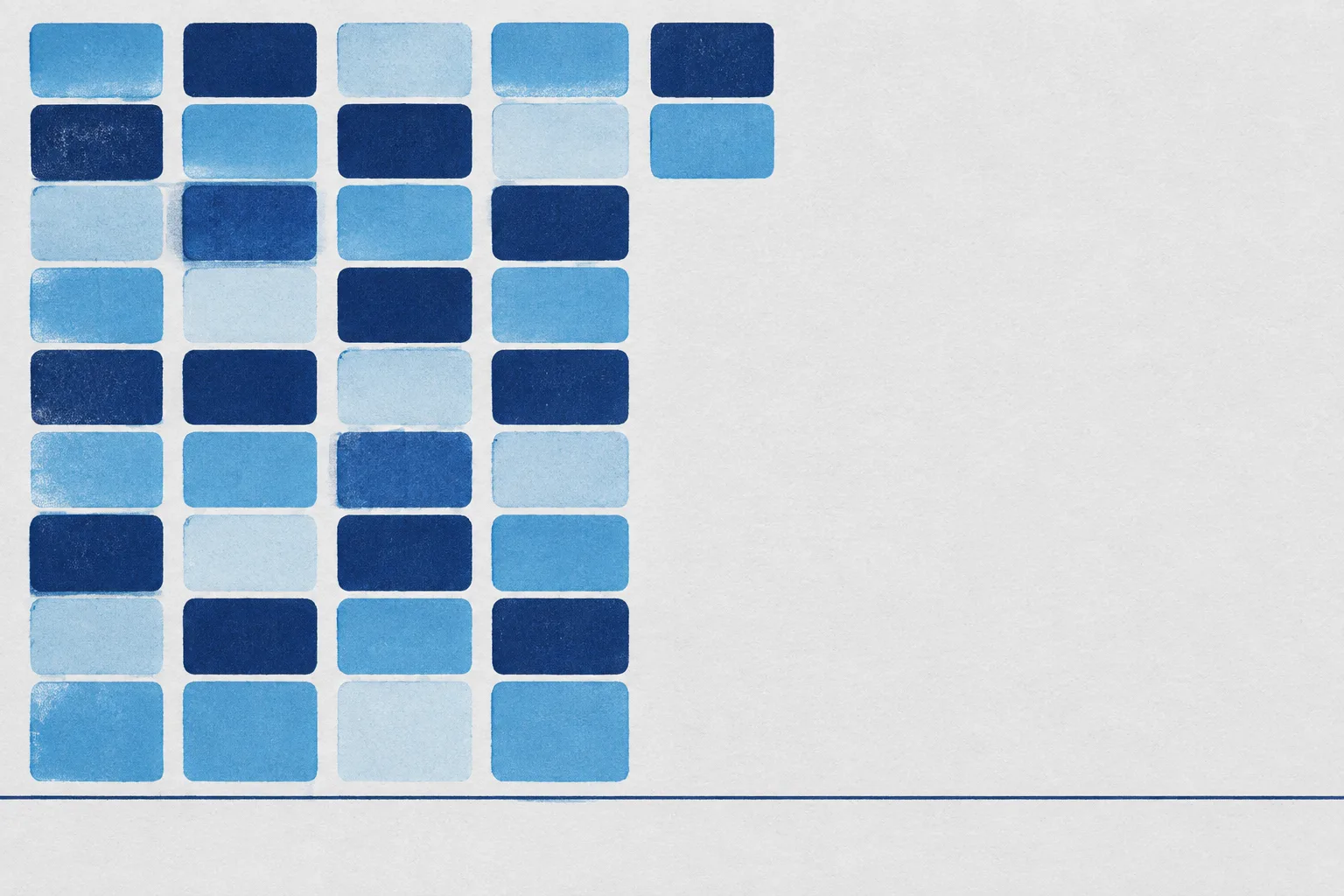
Hero: a full-bleed image, edge to edge, 3:2. Commission it as a flat screenprint in navy #13223F and sky #559FD1 on grey paper #E4E4E4: cards stacking in columns, with the right 40% left as open paper and a thin navy rule near the bottom. Set the page background to the same #E4E4E4 so the print bleeds into the page. Place a bordered launch stamp (issue, date, read time as label rows), a mono kicker, the H1, a two-sentence deck, and one navy button directly on the open paper, anchored above the rule. No scrim, no gradient. Under 900px, stack the image above the text.

Sections: a how-it-works run of three steps. Each opens with a 96x58 rounded ink card holding the step number (navy, then sky, then pale sky #C4D8E4) beside a small mono label and the H2. Body in a 4fr/3fr grid: news items with hairline dividers on the left; a pale #F2F3F5 panel on the right holding a real demo, image, or spec list. Add a comparison table, one italic pullquote, and a dark navy get-started band.

Type: Kode Mono 700 for headings and labels, Fira Sans 400 for body at 19px, line-height 1.7, 60 to 70 characters per line. Links in #17386F with a sky underline.

Guardrails: WCAG AA contrast everywhere, including text over the image; no neon, glow, or gradients; radius 6 to 12px only; no fake UI or unreadable text in images; hover and focus states on links and buttons with a reduced-motion guard; a faint paper-grain overlay is the only texture.