Art Direction Daily
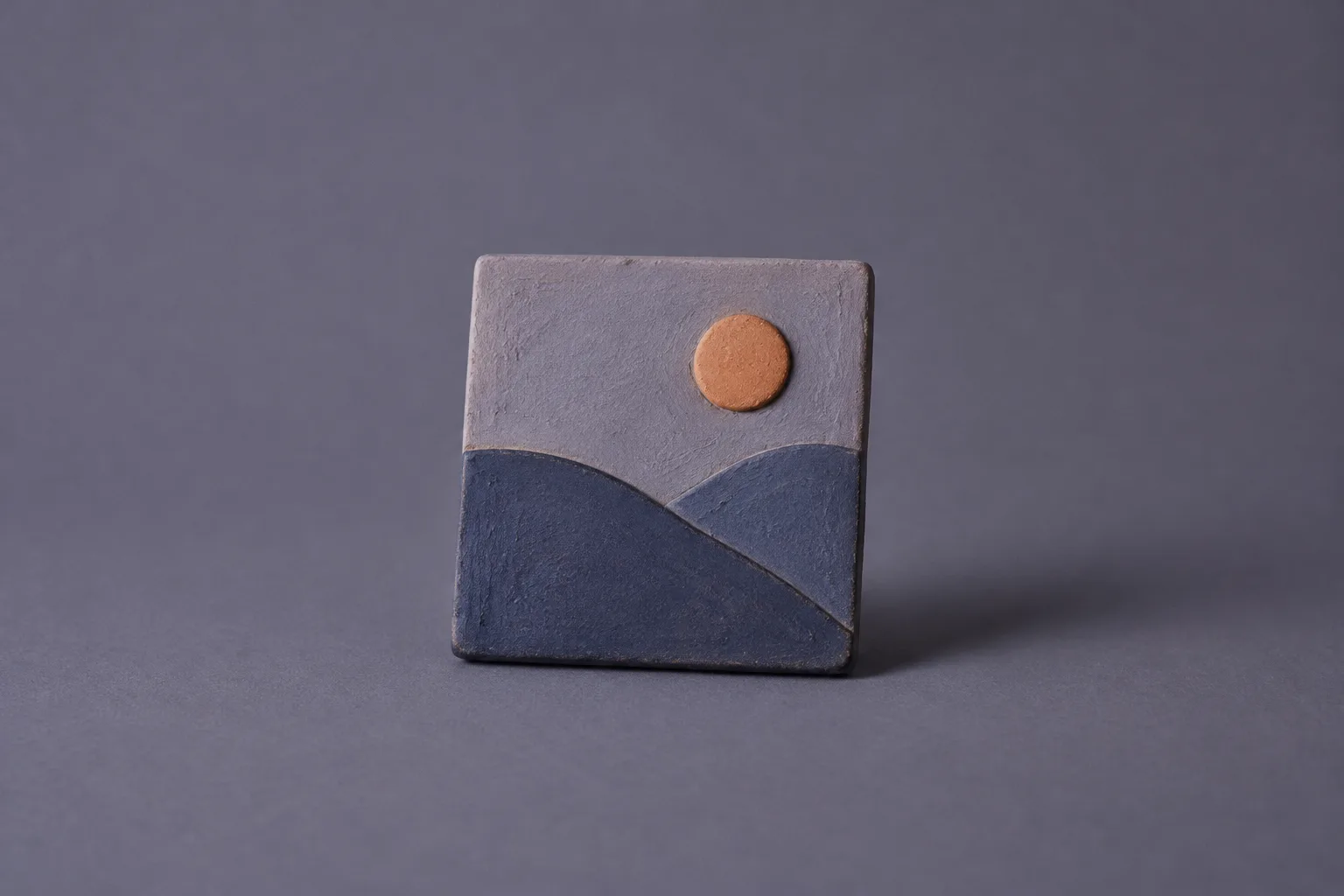
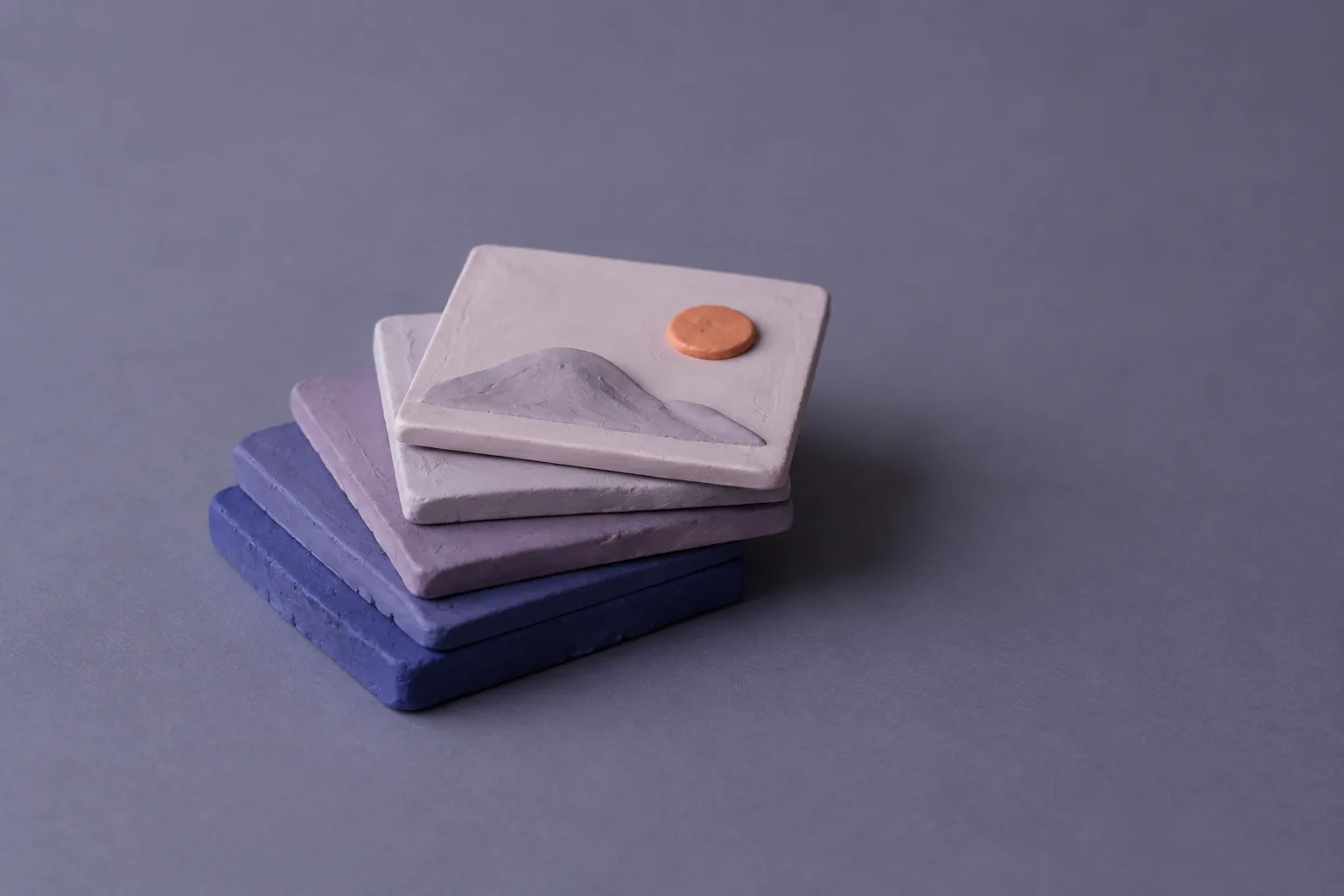
A matte clay tile sculpted as a picture icon: lavender sky, an orange sun, two indigo hills, standing on slate violet paper. Close view of the clay sun and the edge of the hills, showing tool marks. Four clay picture tiles stacked from thickest indigo to thinnest lilac, the top one carrying a hill and an orange sun.
Clay picture tile3 views

Shipped in Firefox 158

Firefox 158 now asks for JPEG XL in every image request

JPEG XL is on by default in Firefox 158, and every image request the browser sends now lists image/jxl in its Accept header. Chrome decodes the format too, so the file you put first is worth deciding on purpose.

Issue
No. 160
Date
Monday, October 19, 2026
Read
≈ 4 min

FreeRoyalty-free licence, on by default

Firefox 158 Accept headerpick a token

Tokens in the Firefox 158 image Accept header

image/jxl New in 158. Lossy and lossless, transparency, animation, HDR, and a lossless repack of existing JPEGs. image/avif Named with no q value, so it carries the full weight of 1. image/webp Full weight, the same as AVIF and JPEG XL. Your server picks among them. image/png Full weight. Useful when an asset has to stay lossless and flat. image/svg+xml Full weight. Vector art goes through untouched. image/*;q=0.8 Any other image type, accepted at a lower weight of 0.8. */*;q=0.5 Anything at all, at the lowest weight in the list.

Today's art direction

The Format Shop

A direct-to-consumer product page that sells one clay picture tile, with the image formats as its variants.

The page borrows the parts of a shop that shoppers already know how to read: a gallery with a thumbnail rail, a buy box, variant swatches, a spec table and a breadcrumb trail. Here the variants are the tokens in a browser's Accept header, and choosing one rewrites the spec line under it, the way a size swatch tells you what is in stock.

The ground is a lighter step of the slate violet photo backdrop, so the gallery sits in it like a window, and a faint tile of quarter arcs runs behind it. Familjen Grotesk sets the headline and the reading text; Martian Mono handles everything a server would read, from swatches to specs.

  • Breadcrumb rail
  • Thumbnail rail
  • Buy box
  • Variant swatches
  • Spec line
  • Status rows
  • Clay product shot
  • Quarter-arc tile

DetailsShipped Oct 13, 2026

Technique: Firefox turns JPEG XL on

Firefox 158, released October 13, enables JPEG XL by default. Mozilla's notes describe a royalty-free raster format with lossy and lossless compression, transparency, animation and HDR, which can also repack an existing JPEG without losing a pixel.

The quieter change is in HTTP. The default Accept header for image requests now names the format, so any server or CDN that negotiates by header can see that this browser takes it:

image/avif,image/jxl,image/webp,image/png,image/svg+xml,image/*;q=0.8,*/*;q=0.5

This closes a loop the publication has been following since Mozilla's intent to ship landed in issue 108, and since Chrome 155 started decoding the format in issue 151.

Two engines now take the file. Which one you serve first is a design decision again.

Media type
image/jxl
Default in
Firefox 158, October 13, 2026
Compression
Lossy and lossless
Also carries
Transparency, animation, HDR
Existing JPEGs
Can be transcoded losslessly
Licence
Royalty-free

Also in 158: stroke-aware boxes around SVG text

getBBox() now honors the fill and stroke options on tspan and textPath elements, as it already did for a whole text element. If you draw a highlight or a hit area behind one stroked word in an SVG headline, the measured box finally includes the stroke.

How to usepicture, then Vary

Workflow: put the source order in writing

With the picture element, the browser takes the first source whose type it can decode, so the order of your sources is your preference. Put the format you want most at the top and keep a plain img last for everything else.

If a CDN picks the format from the Accept header instead, the response needs a Vary: Accept header, so a shared cache does not hand a JPEG XL file to a browser that never listed it.

Four clay picture tiles of different thickness stacked loosely, thickest at the bottom.
Four sources, one picture. The browser stops at the first one it can read.
<picture>
  <source type="image/jxl"  srcset="tile.jxl">
  <source type="image/avif" srcset="tile.avif">
  <source type="image/webp" srcset="tile.webp">
  <img src="tile.jpg" alt="Clay picture tile" width="1200" height="800">
</picture>

If a coding tool writes your markup, put the order in its rules file rather than in each prompt, so the next generated page keeps it.

Pairs well withShipped Oct 6, 2026

Tooling: rules files for Figma libraries

Guidelines files for Figma design libraries

Figma agent, generally available

That rules file now has a home in Figma too. When the Figma agent became generally available on October 6, design libraries gained guidelines: Markdown files of rules, best practices and antipatterns that the agent reads every time someone prompts with that library turned on.

Issue 152 logged the release itself; the guidelines files are the part to act on. It is the same habit as an image-format rule, applied to a design system. Write down the thing a reviewer keeps correcting, such as which accent never sets text, and attach it to the library once instead of repeating it in chat.

Borrow this pattern

Swatches that rewrite the spec line

On a product page, a variant swatch earns its place when it changes the words a shopper reads as well as the photo. The format swatches at the top of this page are a plain radio group, and one CSS rule per option shows the matching line of the spec underneath. No script is involved.

Use it for
Sizes, finishes, plans, file formats: any picker where each option has one sentence of consequence.
Keep it honest
Every line is real text in the page, so it reads without CSS and to screen readers. Mark the line as a polite live region.
Watch for
A visible focus ring on the swatch. Hiding the radio is fine, hiding where the keyboard is is not.
.specline span { display: none; }
.buy:has(#s-jxl:checked)  .n-jxl,
.buy:has(#s-avif:checked) .n-avif { display: inline; }
.swatches input:focus-visible + label {
  outline: 3px solid var(--accent);
}

Prompt Lab

Rebuild the Format Shop

Paste it into Beaver Builder AI, Cursor, Claude, Figma Make, Lovable or v0.

Build a direct-to-consumer product page for a single handmade object, in the layout a Shopify theme would ship, with the variant picker doing real explanatory work.

Layout
- Dark ink top bar with the brand left and three text links right.
- A breadcrumb rail as the page's masthead: an ordered list with small chevron separators, the current page as a filled light label.
- Above the fold, a three-column product block: a 76px vertical thumbnail rail, a large gallery image (4:3, rounded 14px, sticky while the buy box scrolls), and a 440px buy box on a light sheet.
- Thumbnails are labels for hidden radio inputs; :has() swaps which gallery image is visible with a 180ms opacity fade. One thumbnail is a zoomed crop of the main photo.
- Buy box, top to bottom: a filled status label, a 15ch headline, a two-sentence deck, a small dt/dd list (issue, date, read time) between hairlines, a price line, a row of variant swatches, a spec line, then one filled button and one text link.
- Below the fold, one light sheet of product modules (Details, How to use, Pairs well with). Every module is a two-column row: a 260px sticky side column holding one indigo module label with a mono date and the h2, and a 700px reading column on the right. Pairs well with is a bordered product card with a square glyph tile; the closing note is a tinted quote card.
- A spec table as a two-column dt/dd grid with mono labels and hairline rows.
- A dark design-move panel with the same two-column split, and a Prompt Lab row with its copy button in the side column.

Signature component
- Variant swatches built as a radio group in a fieldset. Each swatch is a bordered mono label; checked swatches invert to ink. One swatch carries a small filled NEW tag.
- Under the swatches, a spec line containing one span per option. Only the span matching the checked radio is shown, using .buy:has(#id:checked) .note-id { display: inline }. Mark the line aria-live="polite".

Palette
- Ground #6F6C84, a cool slate violet one step lighter than the product photo backdrop, so the gallery reads as a window into the same room.
- Ink #1A1925, sheet #F1F0F6, tint #E3E1EE, indigo #3C3878 for filled status labels, one accent of kiln orange #B9501D for the button, the NEW tag and the pullquote rule.
- Background: a 48px SVG tile of two quarter arcs in pale lavender at about 6 percent opacity, over the ground only. Reading surfaces stay flat.

Type
- Familjen Grotesk for display (700, tight tracking) and body (400, 19px, line height 1.7).
- Martian Mono for everything machine-shaped: swatches, labels, spec keys, breadcrumb, code.

Imagery
- Matte clay product photographs on a seamless backdrop the same color as the ground, soft overcast light, visible tool marks. No text in the images.

Guardrails
- Body at least 18px with line height at least 1.6, lines around 65 characters, never justified.
- Small labels meet WCAG AA against their actual background; white text only on the indigo and the darker orange.
- No neon, no glow, no gradient text, no pill-shaped everything: 6 to 10px radii on controls, 14px on panels.
- Real hover and focus states with 150ms easing on every swatch, thumbnail and link, a visible focus ring on hidden inputs, and a prefers-reduced-motion guard.
- On mobile, the product block stacks: gallery, thumbnails as a horizontal row, buy box; every two-column row becomes one column and the side column stops being sticky.

Field note

Image formats used to be a build-step setting nobody looked at twice. Now that two browsers name JPEG XL, the source order deserves the same line in your style guide as the type scale.

Note from the bench, issue 160

Sources

  1. Firefox 158 release notes for developersMDN, Firefox 158 released October 13, 2026
  2. The Figma agent is generally availableFigma release notes, October 6, 2026
  3. The picture elementMDN reference
  4. Vary headerMDN reference