Program notes: today's art direction
The Gatefold Program
An event landing page bound like a folded program: an indigo spine between two leaves, and every section booked as a timed session.
A gatefold is a printed sheet that opens on a fold, the oldest way of putting two pages next to each other on purpose. Here it carries an event or webinar page. The masthead becomes the spine between the two leaves of the hero, and the agenda becomes the section system: each story is a session with a start time, a session type and a room. On a phone that reports two viewport segments, the spine drops out and the two leaves sit on either side of the real hinge.
The program
One morning, three sessions and a workshop. Choose a slot to jump to it.
- 09:00KeynoteSafari 27.1 hands CSS the foldTechnique, main hall
- 09:45SessionDesign for 382 to 951 pixels, and a strip you cannot paintWorkflow, room two
- 10:30SessionAgent Skills gets a neutral ownerTooling, room three
- 11:15WorkshopPut the hinge in the gridDesign move, studio
- 12:00Hands-onBuild the gatefold programPrompt Lab, studio
- 12:40ClosingField note and sourcesMain hall
Safari 27.1 hands CSS the fold
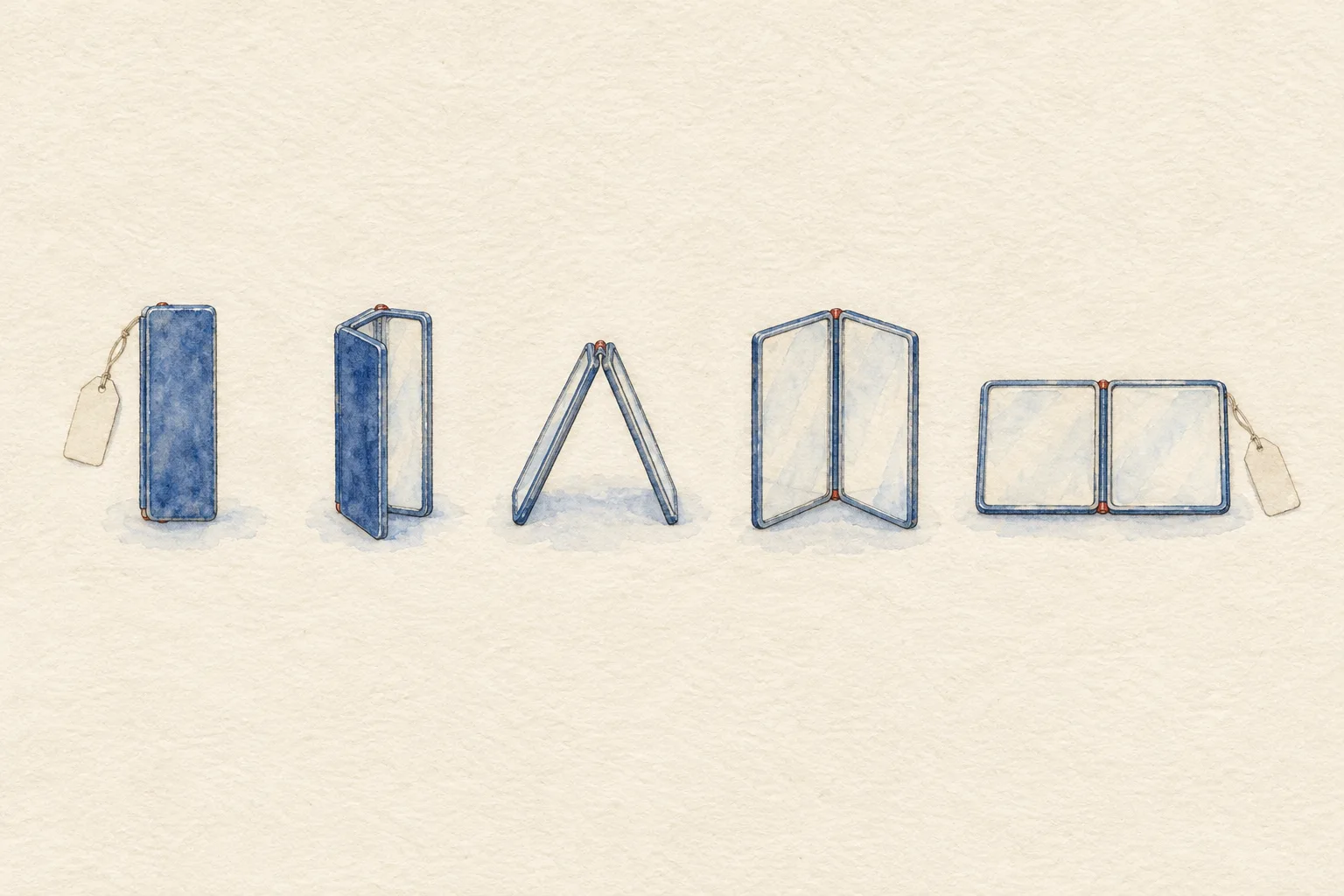
Jen Simmons's WebKit features for Safari 27.1 covers what changes for the web on iPhone Duo, Apple's folding phone. Two APIs let a layout respond to the fold itself as well as the screen width. Both ship as a developer preview, switched on under Settings, Apps, Safari, Advanced, Feature Flags.
The Device Posture API answers one question: is the screen partly folded? A device-posture media query and a JavaScript property both report folded or continuous, and a change event fires when the reader moves the screen.
The Viewport Segments API describes each side of the fold. Media queries count the segments across and down, and six environment values give the width, height and edges of each one, indexed by column and row from the top left. In script, the segments come back as a list of rectangles.
It describes the segments of the display, the separate portions on either side of the fold.WebKit blog, Safari 27.1
/* behind a flag in Safari 27.1 */
@media (horizontal-viewport-segments: 2) {
  .spread {
    display: grid;
    grid-template-columns:
      env(viewport-segment-width 0 0)
      env(viewport-segment-width 1 0);
  }
}
@media (device-posture: folded) { .reader { columns: 2; } }
- Ships in
- Safari 27.1 on iPhone Duo, preview behind feature flags
- Posture values
- folded, continuous, plus a change event
- Segment values
- width, height, top, right, bottom and left, per column and row
- Layout tools
- Grid and Flexbox you already use; the post adds no new layout syntax
Design for 382 to 951 pixels, and a strip you cannot paint
The same post lists the viewport for every pose. Width runs from 382 to 951 CSS pixels and height from 368 to 902, so one device crosses most of the breakpoints a typical stylesheet sets. Test the extremes, then test the fold.
Safari already treats the fold as a reading surface: a partly folded screen opens a PDF as two pages side by side, and switches back to one page when the reader opens it flat or closes it.
One limit matters for hero sections. On the outer display, web content does not yet extend behind the system controls, and Safari fills that strip with the page's background color. Apple says it is researching alternatives to viewport-fit cover. Until then, set a real background color on the root element and choose it on purpose.
Figma added iPhone Duo frame presets earlier this week, which we noted in Friday's issue. Mocks can now match the device before the CSS does.
Agent Skills gets a neutral owner
Anthropic is donating Agent Skills to the Agentic AI Foundation, the Linux Foundation group that already holds the Model Context Protocol. The name, logo, GitHub organization and the agentskills.io domain all move.
A skill stays what it was: a folder with a SKILL.md file plus any scripts or reference files. That is the format a design team uses to package its system rules for an AI tool, so the change is about who governs it.
- Adoption
- More than 70 platforms since December 2025, including ChatGPT, Cursor, GitHub Copilot and VS Code
- Volume
- About 1 million skills published, nearly 280 million installed
- Maintainers
- Engineers from Anthropic, Google, OpenAI and others; David Soria Parra and Mahesh Murag lead
- Next
- Versioned releases, a formal proposal process, security guidance for writers and installers
Anyone can keep using or contributing to the Agent Skills specification without joining the foundation.
Borrow this pattern
Put the hinge in the grid
Build any two-part hero or spread as a three-track grid: a leaf, a spine, a leaf. On ordinary screens the spine is a narrow band that carries real content, here the masthead. Inside a two-segment media query, swap the tracks for the segment widths and drop the spine, so the hinge itself becomes the gutter.
- Use it on
- Event pages, product compare heroes, recipe and menu spreads, any page that already reads as two halves.
- Keep it honest
- Nothing important sits on the fold. Each leaf must make sense alone, because a folded reader sees one at a time.
- Fallback
- Without the flag, the media query never matches and the spine layout stays. Below 980px the leaves stack and the spine turns into a band.
.spread { display: grid;
  grid-template-columns: 1fr 76px 1fr; }
@media (horizontal-viewport-segments: 2) {
  .spread { grid-template-columns:
    env(viewport-segment-width 0 0)
    env(viewport-segment-width 1 0); }
  .spine { display: none; }
}
Build the gatefold program
Paste this into your AI page builder to produce an event or webinar landing page in today's art direction.
Build a single landing page for a one-day event, conference or webinar, styled as a folded printed program (a gatefold).

Layout
1. Dark indigo top nav: brand left, three text links right.
2. Hero as a three-track grid, max 1320px: left leaf (cream sheet: small uppercase mono kicker, a large serif headline with one italic phrase in cobalt, a two-line deck, a cobalt button and an underlined text link), a 76px indigo spine in the middle carrying the masthead in vertical text (event name, issue or edition number, date, duration), right leaf holding one tall image cropped to fill, with a one-line caption under a hairline.
3. Under the hero, a full-width specimen plate image with a five-column caption row of short labels.
4. One cream program sheet on the page ground holding everything else: a two-column program notes block, an agenda index (rows of start time in large serif numerals, a filled session-type label, the session title, a room line; each row links to its session), then each section as a session slot: a 180px sticky time column (start, end, session label, room) beside a 720px content column.
5. A workshop slot as an inverted indigo card, a Prompt Lab handout card with a yellow header strip and a copy button, a numbered sources list, a three-tile indigo prev/index/next nav and a short colophon.
6. Progressive enhancement: inside @media (horizontal-viewport-segments: 2), set the hero columns to env(viewport-segment-width 0 0) and env(viewport-segment-width 1 0) and hide the spine. Below 980px stack the leaves and turn the spine into a horizontal band; the time column becomes an inline row.

Palette: chrome yellow ground #F2C832 with a fine basket-weave bookcloth texture in indigo at about 16 percent; indigo ink #1C2140; cream sheets #F6EEDD; cobalt #2B4FB0 for buttons and links; vermilion #B8432A only for small hinge marks and kickers.
Type: Alegreya for display and the one italic pullquote, Alegreya Sans for body and UI (sibling superfamily), DM Mono for times, kickers and code.

Guardrails: body at least 18px with line height 1.65 or more; line length 60 to 75 characters; WCAG AA contrast for every small label on its real surface; radius 4 to 12px, no pill shapes; one shadow on the hero only; no neon, glow or gradients; images contain no readable text; hover and focus states at 150ms with a reduced-motion guard; nothing important placed on the fold line.
Works in Beaver Builder AI, Claude, Figma Make, Framer AI and v0.
Field note
Responsive design has mostly been a question of width. A hinge adds a second question, where the screen bends, and for once the browser is offering the answer before the design habits exist.
Sources
- WebKit Features for Safari 27.1WebKit blog, Jen Simmons, October 23, 2026
- Donating Agent Skills to the Agentic AI FoundationAnthropic, October 22, 2026
- Agent Skills specificationagentskills.io
- Art Direction Daily, Issue 163The Chart Search, October 23, 2026, for the Figma iPhone Duo frame presets