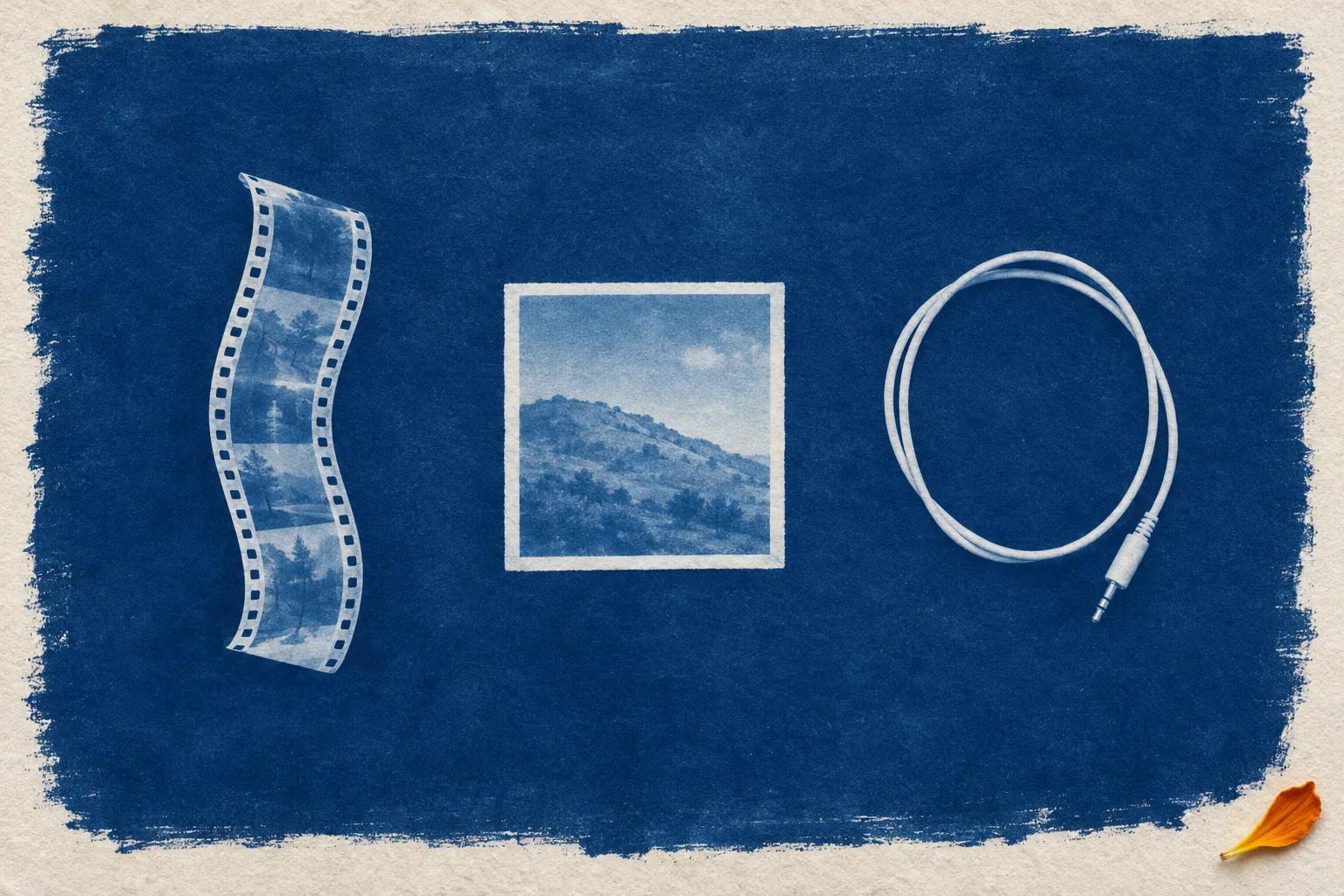
Integration launch page
The Cyanotype Launch
A connector launch page printed like a sun-exposed album sheet: lettered stops, photogram specimens, a halftone screen fading out behind the hero.
Cyanotype is the iron-salt print that turns exposed paper Prussian blue and leaves whatever lay on it white, the process Anna Atkins used for her botanical albums. Here it dresses the page every SaaS team ships when two products start talking: the parties sit as lettered stops on one request path, the products appear as photogram specimens with real captions, and the feature rows below keep the same letters as their markers.
Figma release notes, October 26
Weave's model shelf now answers through the Figma MCP
Figma made all of Weave's video and image models reachable from an external agent through the Figma MCP. With a Weave account connected to your Figma account, you can ask for a video or an image while chatting with that agent, and the release note names Seedance, Kling and Nano Banana as examples.
Yesterday's issue looked at Weave comparing several models on one prompt inside its own canvas, and in August the Figma MCP started running Weave tools from outside chats. This change adds the models themselves and moves that shelf to wherever the agent runs, which for many web designers is the code editor that is already building the page the image is for.
"Videos and images generated with models from Weave will consume Weave credits."
Weave's help center has a setup page for running Weave tools and models from external agents, which is the place to check before wiring it into a project.
- Shipped
- October 26, 2026
- Reaches
- Every video and image model in Figma Weave
- Needs
- A Weave account connected to your Figma account
- Called from
- Your external AI agent, via the Figma MCP
- Billed as
- Weave credits
Claude Code 2.1.309, October 22
An agent's palette check can now score contrast the APCA way
The dataviz skill that ships with Claude Code now accepts APCA as a text contrast measure, and its palette validator scripts gained an apca(text, background) check. WCAG 2 ratios still apply wherever AA conformance is required.
APCA, the Accessible Perceptual Contrast Algorithm, was developed for the WCAG 3 drafts and weighs text size and polarity, so light text on a dark fill and dark text on a light fill score differently. The same release tells the skill that labels inside coloured chart fills should be white or near-black, which is a rule worth keeping in any chart you hand-build.
# new in the palette validator
apca(text, background)

# still the AA gate
wcag2(text, bg) >= 4.5

# label in a coloured fill
label = white or near-black
The first line is the new check. The other two restate the changelog's rules in shorthand.
Figma and Lovable, October 27 to 30
Team tools and share links get a cleaner handoff
Weave tools can be published inside an organization
On October 30 Figma let teams publish Weave tools for use within their Figma organization. Internally published tools show up in the Tools tab next to the ones Figma and the Community built. It is limited to Organization and Enterprise plans.
Lovable's Share menu lists preview links by name
Lovable redesigned its Share menu on October 28. A Workspace access row sets what the rest of the workspace can do, the invite link has one access level with Copy beside it, and preview links are listed by name, each edited or deleted from its own row.
A day earlier the sidebar was regrouped into Pinned, Projects and Recent chats, with Pinned replacing Starred.
- Figma
- Internal publishing for Weave tools, Organization and Enterprise only
- Lovable
- Share menu: workspace access row, one invite level, named preview links
- Lovable
- Sidebar: Pinned, Projects, Recent chats
- Lovable
- Connector pages: one Connect button and a Connections list with a Visibility column
Borrow this pattern
Draw the request path, and label every hop
On any "X now works with Y" page, put the parties in reading order as lettered stops (A your tool, B the connector, C the service) and print on each connector what actually crosses it: a request going out, a file coming back, and who pays. Use it for integration launches, plugin pages and API onboarding.
- One row, left to right on desktop, top to bottom on mobile, with the arrows turning to match.
- Each hop label names a real thing that moves. If you cannot name it, the stop does not need to exist.
- Keep the letters for the stops alone and number everything else another way, so a letter on the page always means a place on the path.
Out: a request typed in the agent's chat.Out: a model call to Weave, drawn on Weave credits.Back: the finished video or image, returned to the chat.
/* stops and hops, one row */
.path {
  display: grid;
  grid-template-columns:
    1fr 160px 1fr 160px 1fr;
}
.hop::before {
  border-top: 2px dashed;
}
@media (max-width: 980px) {
  .path { grid-template-columns: 1fr; }
  .hop::before {
    border-top: 0;
    border-left: 2px dashed;
  }
}
Integration launch page, cyanotype treatment
Rebuild this page for your own integration
Build a one-page integration launch page for [product], announcing that [tool A] now connects to [service B]. Treat it like a page from a cyanotype album: sun-printed specimens, Prussian blue ink, cream paper.

Layout
- Top nav (brand left, three links right), then a breadcrumb rail as the masthead: Home, Integrations, the integration name as the current page, and a read-time or launch date at the far right. Chevron separators drawn in CSS. No boxed meta cells.
- Centered hero: a solid ink label with the ship date, a slab-serif headline of at most 16 words, a two-sentence deck, one marigold primary button and one text link.
- Under the hero, a cream sheet with a 1px ink border holding the request path: three lettered stops in reading order (A your tool, B the connector, C the service), each a square ink letter tile, a bold name and one muted line. Between stops, dashed connectors ending in a marigold arrowhead, labelled above with what goes out and below with what comes back (a request, a model call, a file, credits). Below the path, one wide cyanotype photogram plate (16:7 crop) of the products as objects, with three HTML captions in a ruled row lined up under each object.
- Feature rows: each section opens with a 64px plate-number tile (a small italic Pl. above a slab Roman numeral, I, II, III) on a fine halftone dot fill, so the letters stay reserved for the path's stops, a mono kicker naming the source and date, and an h2. Then a two-column row: prose at most 640px wide beside one supporting element (a portrait plate in a cream frame, a dt/dd facts list, or a code block), alternating sides row by row.
- One full-width Prussian blue band for the overview section. A 2px ink-bordered cream card for the how-it-works rules, with a small live demo: three radio buttons that each light one hop of a mini A-B-C path and show what crosses it.
- A Prussian sheet for code or a copyable prompt with a copy button. A two-column close of a short note beside a numbered source list. A three-tile pager and a colophon.
- Mobile: the path turns vertical with the arrows pointing down, the plate goes to 3:2, every two-column row stacks.

Palette
- Ground: pale steel #E3EAEE with a halftone dot screen (Prussian dots at about 15 percent on a 9px grid with a larger 18px layer) behind the hero only, masked to fade out downward.
- Ink: Prussian blue #16324F. Sheets: cyanotype cream #F7F4EC. Labels: steel #4A6176. Rules: #C3CFD8.
- One accent, marigold #EA8A2A, for buttons, arrowheads and the pullquote rule only. Dark ink text on marigold.

Type
- Rokkitt 700 for headlines, letter tiles and plate numerals, Rokkitt italic 500 for the single pullquote and the Pl. labels.
- Cabin 400 for body, 600 for buttons. Fira Mono for kickers, labels, captions and code.

Images
- Cyanotype photograms: white silhouettes on Prussian blue, ragged brushed edges, a cream paper border, visible paper tooth. Objects stand in for the products (film strip for video, print for image, cable for the connector). No legible text, numbers or logos in any image.

Guardrails
- Body at least 19px, line-height 1.7, lines of 60 to 72 characters, never justified.
- WCAG AA for every label against its real background, including text on the marigold button.
- Card radius 12px or less, inputs 6px. One tight shadow on the path sheet only. No gradients except the halftone fade. No glow, no neon, no purple-blue gradients, no emoji, no logo bars, no three identical feature cards, no fake controls.
- Hover and focus states on every link, button and radio at about 150ms, plus a prefers-reduced-motion guard.

Works in: Claude Code, Beaver Builder AI, v0, Lovable, Figma Make, Framer AI, Webflow AI.
When the image model is one call away from the code that places the image, the art direction has to travel inside the request. Write that request like a brief.
- Figma release notes: Access video and image models from Figma Weave via the Figma MCPFigma, October 26, 2026
- Running Weave tools and models from external agents (MCP)Weave help center
- Use Weave tools in FigmaFigma help center, linked from the October 30 internal publishing note
- Claude Code changelog, 2.1.309Anthropic, October 22, 2026
- Lovable changelog: redesigned Share menu, sidebar and connector pagesLovable, October 26 to 28, 2026
- Share a projectLovable docs