Creative Cloud, 10 November
Photoshop and Illustrator open to outside AI tools in early 2027
Adobe previewed MCP access that lets a third-party agent call Photoshop, Illustrator, Premiere and After Effects. The same program ships a restyle that converts to a layer and InDesign co-editing in public beta.
The program
Reading minutes down the side, three tracks across. Each session is as tall as it takes to read.
Today's art direction
The Program Page
A design conference program printed in two riso inks, with an admission ticket for a masthead.
An event landing page where the news is the lineup. The hero is an admission ticket whose perforated stub carries the issue facts. Below it the whole issue is laid out as a program: reading minutes down the side, three tracks across, each session sized to how long it takes to read. The art is risograph, fluorescent pink and blue overprinting on off-white paper, on a cool slate ground ruled with a faint drafting grid.
Adobe blog, Deepa Subramaniam, 10 November 2026
Adobe's program: MCP in 2027, a restyle you can refine, two designers in one layout
Adobe's Creative Cloud post from 10 November runs long, and the line that matters most to agentic web design sits near the end. Adobe previewed MCP integrations that let a third-party agent call Photoshop, Illustrator, Premiere and After Effects, and put a date on them.
"MCP integrations are coming to Creative Cloud customers in early 2027."
Adobe, 10 November 2026The craft changes are listed now. Photoshop's Generative Restyle makes variations from a prompt, converts the result to a layer, and gives you a generated slider to refine it. Quick Compare puts a split-screen slider on the canvas for before and after, and the Remove Tool now finds the shadows, reflections and footprints that belong to the object you delete.
Illustrator's Blend gets on-canvas controls with a persistent panel and live preview. InDesign adds Co-editing in public beta, so several designers can work one layout in real time, plus Flex Layout for text frames that resize as copy changes.
For site builders, the one to watch is Firefly Builder, previewing in private beta, which Adobe says turns an idea into a working prototype of an app, website or portfolio. The post gives no timing for it.

- Post
- Creative Cloud and Firefly update
- Date
- 10 November 2026
- Apps
- Photoshop, Illustrator, InDesign, Firefly
- MCP
- Preview, early 2027
| App | Feature | Status |
|---|---|---|
| Photoshop | Generative Restyle: prompt variations, converted to a layer, refined with a generated slider | No status given |
| Photoshop | Quick Compare: an on-canvas split-screen slider for before and after | No status given |
| Photoshop | Mockups, Camera Angles and Generative Recompose in the beta app | Beta |
| Illustrator | On-canvas Blend controls with a persistent panel and live preview | No status given |
| InDesign | Co-editing: several designers on one layout in real time | Public beta |
| Firefly | Builder: an idea to a working prototype of an app, website or portfolio | Private beta |
| Firefly | Design and Graph: one canvas for every medium, and reusable workflows | Beta |
| Creative Cloud | MCP integrations for Photoshop, Illustrator, Premiere and After Effects | Early 2027 |
Tooling. Lovable changelog, 11 November 2026
Lovable edits images in chat
Lovable's changelog entry brings the image toolbar from project Files into Chats. Open an image in a chat to describe a change, erase an area, resize, or turn it into a short video, and each edit saves as a new version.
We covered the Files version of this toolbar in October. The change is where it lives: the edit now happens beside the prompt that asked for the image.
Technique. CSS-Tricks, Andy Clarke, 12 November 2026
Grids beyond 12 columns
Andy Clarke's Beyond 12 Columns makes the case for two grids most web layouts skip. A modular grid crosses columns with rows so the cells combine into larger zones; a compound grid overlays grids with different column counts on one page.
Six columns, three rows, four zones.
Workflow
Outside agents, and runs you can encrypt
Creative Cloud MCP and Firefly Graph
MCP is the workflow change in Adobe's program: the assistant you already prompt in a code editor would call Photoshop or Illustrator directly, where today you export and re-import files by hand. Adobe has a sign-up form for updates. Firefly Graph, in beta, is the in-house version, for creative processes you build once and run again.
Vercel Workflow SDK 5
Workflow SDK 5 encrypts each run's payloads end to end with AES-256-GCM and a unique key per run. It also adds a region option when a run starts, searchable run attributes, and cancellation through AbortController.
Design move
Borrow this pattern: the time-scaled agenda
Lay a schedule on a CSS grid where every row is a fixed slice of time and every column is a track, then place each session from its start line to its end line. Length becomes visible: a two-hour keynote stands three times taller than a forty-minute breakout, which a list of times can never show. Use it on conference and webinar pages, class timetables and venue run sheets.
- Pick one row unit (15 minutes suits most real events) and never mix units on one grid.
- Keep the markup a time-sorted list, so phones and screen readers get the right order; the grid only places it.
- Leave empty cells empty. A gap in a track tells the visitor when that room is free.
- Filter tracks with radio buttons and :has(), no script needed. Try it on the bench.
/* one row = 15 minutes */
.agenda {
  display: grid;
  grid-template-columns:
    4rem repeat(3, 1fr);
  grid-template-rows:
    repeat(36, 1.25rem);
}
.keynote {
  grid-column: 2;
  grid-row: 1 / 9;
}
.agenda:has(#main:checked)
  .session:not(.main) {
  opacity: .16;
}
Prompt Lab
Runs in Claude Code, v0, Lovable, Framer, Figma Make and Beaver Builder AI
Build a design conference landing page as plain HTML and CSS, with a tiny script only for a copy button. The page is the event program: a ticket hero, then a time-scaled agenda, then each session as its own block.

1. Ground and palette: a cool slate ground (#13232E) ruled with a faint 28px drafting grid of 1px lines at 7 percent pale mist (#A9C1C6). Reading surfaces are off-white riso paper (#EFE9DD) with ink text (#17212A) and notes in #56606A. Two riso inks do all the colour work: fluorescent pink (#F0559A) as fills with ink text on them, and blue (#2C5C86) for links and fills with paper text. On paper, pink text uses the deeper #B02A67.
2. Type: Martian Mono 800 at a narrow width (font-stretch 75 to 80 percent) for the headline, section titles and the ticket's ADMIT ONE; Martian Mono 400 to 600 for labels, times and the prompt; Source Serif 4 at 19px with line height 1.7 for all reading text, italic only for one pullquote and a short art direction line.
3. Hero: an admission ticket on the grid, 14px corners. A wide main part holds a solid pink kicker label, the headline (about 16 characters per line, balanced), a deck, an ink button and a blue text link. A 300px stub sits to its right behind a 2px dashed perforation, with two half-circle notches cut at the perforation's top and bottom in the ground colour. The stub holds a square crop of the event art, ADMIT ONE in large condensed mono, and labelled rows for issue, date and run time.
4. The program: a CSS grid with a 76px time column and three track columns (Main stage, Breakout, Studio). Each row is 40px of a fixed time unit, with a hairline every three rows and the time printed there. Sessions are real links placed with grid-row from their start to their end: main stage pink, studio blue, breakouts paper. Long sessions show a one-line summary. Empty cells stay empty.
5. Sessions below: each a paper or dark slate block opened by a run-time bar, a row of the time range, an 8px track with sixth-marks and a pink segment covering that session's share of the day, and a solid track label. Inside: a mono source line, a condensed mono h2, a reading column of 66 characters. Include a lineup table (feature, description, status label), one italic pullquote under a 2px pink rule, a two-up row of breakout sessions, and a design move block with a live track filter (radio buttons that dim the other tracks with :has()).
6. Prompt section: a second ticket, stub on the left with the title and a pink copy button, perforation and notches between stub and body.
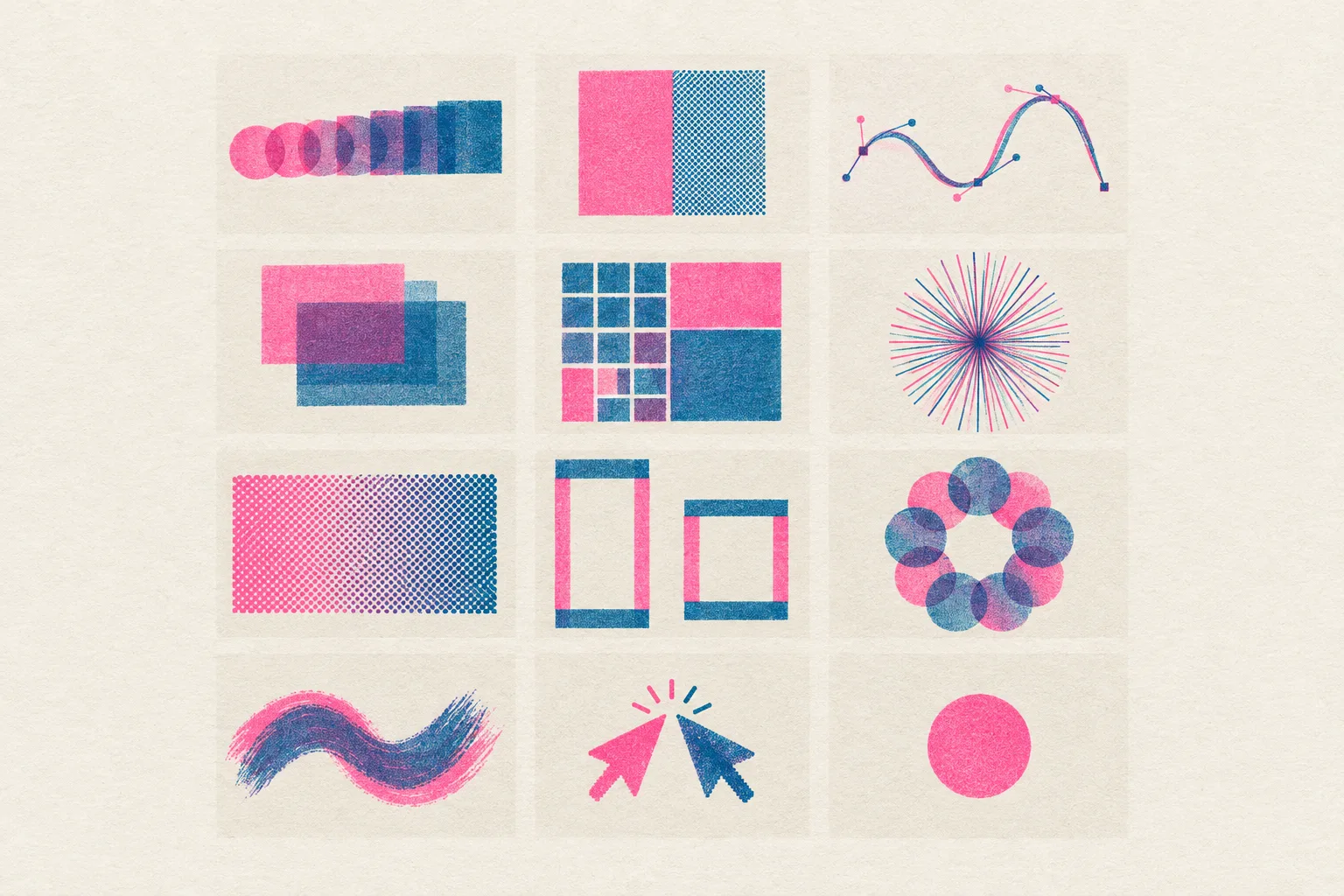
7. Imagery: two-colour risograph prints, pink and blue overprinting to violet, slight misregistration, on off-white paper with no legible text: a specimen sheet of drawing-tool studies, and a split before and after still life.
8. Guardrails: body text at least 18px, line height at least 1.6, lines of 60 to 75 characters; small labels at WCAG AA on their real surface (ink on pink, paper on blue, never pink text on slate below 18px); hover and focus states of 120 to 180ms on every link, label and button, with a 3px pink focus ring; a prefers-reduced-motion guard; no neon, no glow, no purple-blue gradients, no gradient text, no pill shapes, no accent left-border stripes, no fake ticket barcodes or QR codes. On mobile the stub drops below the ticket as a row, the agenda becomes a time-sorted list with the track named in each card, two-column blocks stack, and the lineup table becomes stacked rows.
Field note
Adobe has dated the day outside agents can drive its apps. Until early 2027, the useful part of the program is the craft: a slider on a restyle, a split on the canvas, two people in one layout.
Sources
- Explore new ways to create across Creative Cloud and Adobe FireflyAdobe blog, 10 November 2026
- Creative Cloud MCP integrations: sign up for updatesAdobe, November 2026
- Edit images in ChatsLovable changelog, 11 November 2026
- Beyond 12 ColumnsCSS-Tricks, Andy Clarke, 12 November 2026
- Workflow SDK 5Vercel blog, 12 November 2026
- Lovable image markup, original staysArt Direction Daily, October 2026