Pixy switches on a design mode over the running site. Drag the real hero a few pixels and your coding agent pulls a clean record of the change (selector, property, from, to) and ships it as source. Two more launches this week point at the same idea.
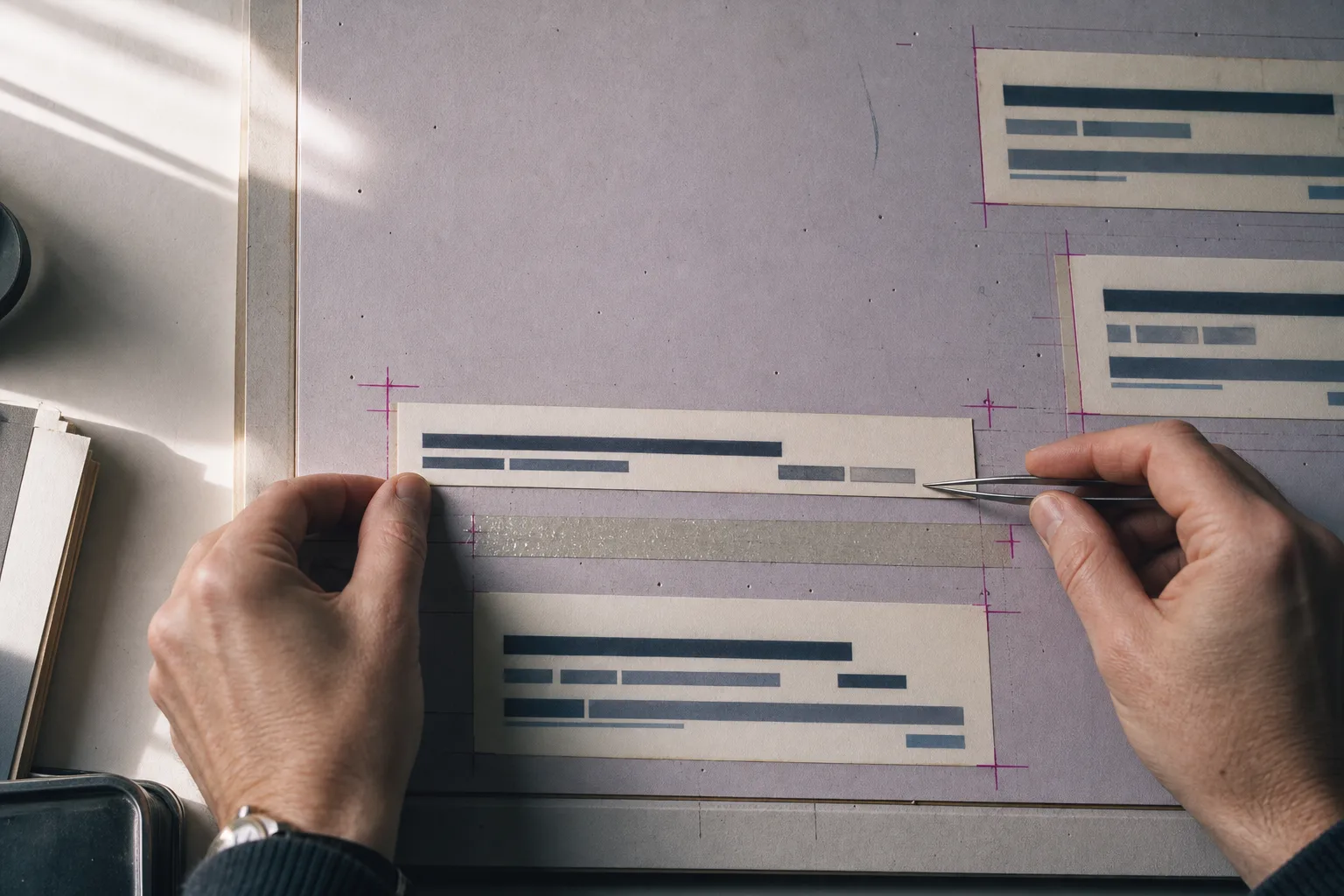
Fig. 1. Moving the headline by hand. The board is the page; the page is the board.Frame 01
Tooling
Three launches this week put a visual layer between you and the agent that edits your code. The design surface keeps drifting to wherever the work already is, the same current that carried Figma Weave into chat windows last week.
Live-page canvas
Pixy puts a design canvas on the page you already shipped
One script tag and the live page becomes editable: move, resize, retype, and restyle the real DOM, with state alive and dropdowns open. Pixy holds each edit in the browser as a structured record, selector, property, previous value, new value, until your coding agent pulls the batch and implements it in source. The codebase stays the source of truth; the mockup step disappears.
Feedback layer
Remarc is a design-review layer that lives in the menu bar
The free, MIT-licensed Mac app captures annotated screenshots, voice notes, and selected text, then hands them over MCP to Claude Code, Codex, or Cursor as structured context instead of paraphrased chat. Remarc keeps everything local, with no accounts and no telemetry.
Component canvas
Overlay drags your real components onto a canvas inside the IDE
Overlay puts actual shadcn/ui components on a visual canvas inside VS Code, Cursor, or Windsurf, so you and the agent iterate on the real thing and then implement it in your codebase with one command. Custom React component support is listed as coming next.
Marketplace
Exa lands on the Vercel Agent Marketplace
Vercel added Exa's neural search as a native integration on Thursday: one API key across Exa's products, billing through your Vercel account, and grounded, token-efficient web context for research features and agents.
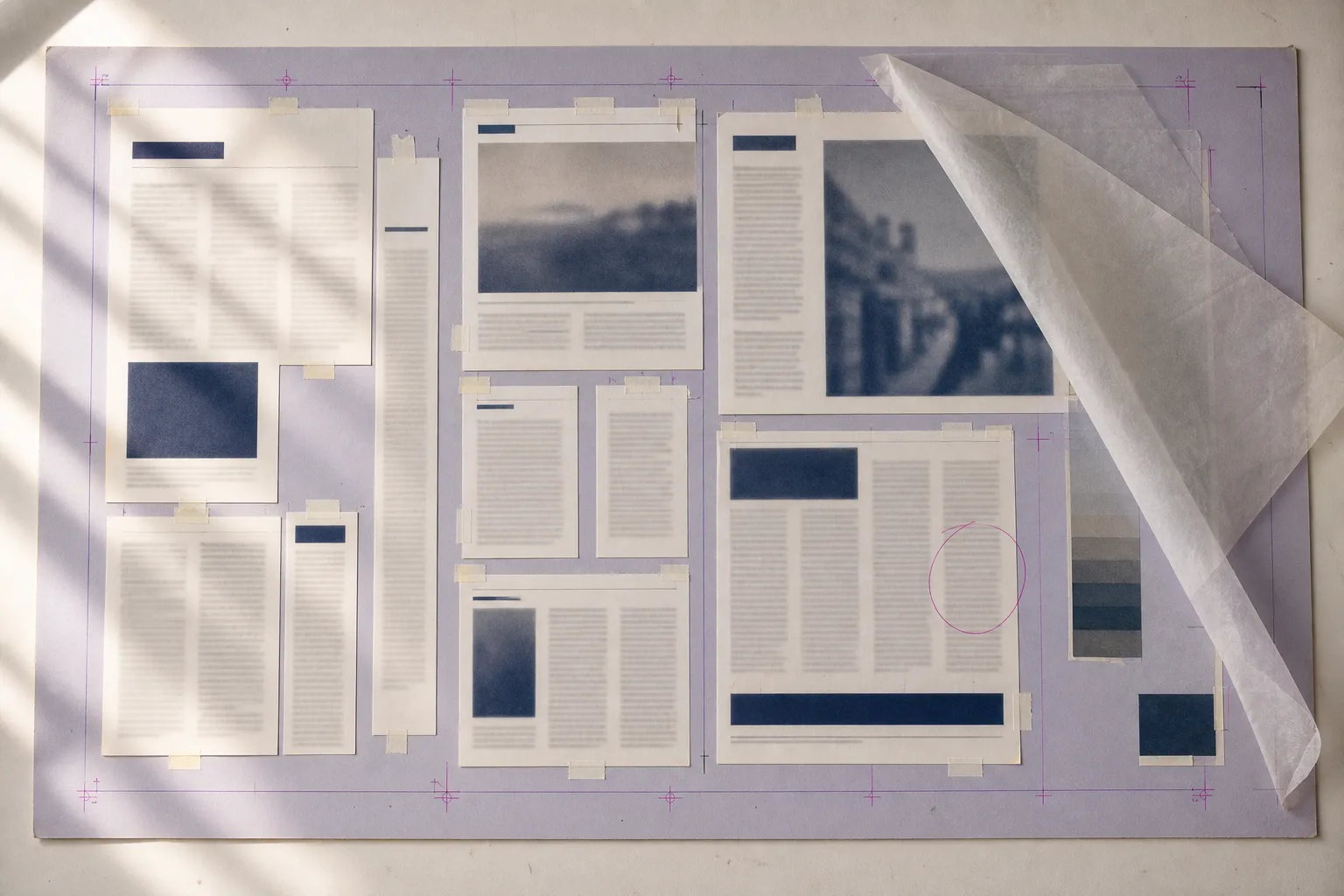
Fig. 2. The mechanical: every change visible, every position final only when the camera shoots it.Frame 02
Technique
Memory
The three shapes of agent memory, measured side by side
Curated markdown files, auto-mined structured stores, and experience trained into the weights: a new benchmark write-up measures all three under one fixed model. Useful orientation before you pick a memory layer for a design agent, and a good explanation of why coding tools default to plain files.
Fig. 3. The kit.
Frame 03
Workflow
Case study
Yadda 3.0.0 shipped in a day, and coding was not the bottleneck
Stephen Cresswell modernised his long-running BDD library with Claude Code and published in roughly a day of elapsed time, intervening rarely. His sharpest rule travels well: the agent never changes production code and its tests in the same step, or a green suite stops meaning anything. The constraint he hits next is his own capacity to coordinate parallel sessions, which he argues is where the interesting tooling problems now live.
Inspector: Today's Art Direction
The Mechanical
A design-mode viewport laid over a dev-tool launch page: pasteboard, rulers, selection chrome, and paste-up plates.
Before layout software, every page shipped through a paste-up room. Type came back from the phototypesetter in galleys, got waxed, and was assembled by hand on a board called a mechanical, with magenta registration and crop marks telling the camera what was final. This page runs both eras at once: digital selection handles and a live property readout laid over photographs of that room, on one cream artboard floating above a lavender pasteboard. The palette comes straight from the plates, board lavender, galley cream, ink navy, registration magenta.
A three-cell row, target, from, to, that states a change as the exact delta instead of prose. Use it anywhere you describe a revision: changelogs, redesign announcements, case studies, client review pages. It reads faster than a paragraph, it screenshots cleanly, and it makes the work auditable.
TargetFromTo
.hero h1font-size: 61px64px
.card padding32px26px 30px
nav a color#3C4560#A81762
The rule that makes the rows worth reading: actual selectors and actual values only. The moment a row says something vague like improved spacing, it is a caption again, and the pattern has nothing left to offer.
Prompt Lab
Recreate today's system
Build a single-page product launch site for a developer tool, art-directed as a design-mode session laid over a paste-up mechanical.

Structure: a cool lavender pasteboard ground (#C8C2D1) with a slim ruler strip of tick marks across the top and a 13px monospace menu-bar nav. All content sits on one centered cream artboard (#F6F1E3, max width 1040px) carrying the only shadow on the page, with a small document tab on its top edge labeled with a filename.

Hero: a black grotesque headline (Archivo 900, up to 64px, ink navy #232D45) wrapped in selection chrome: a 1.5px magenta outline (#A81762), eight small white square handles, and a monospace readout tab above it showing one property change (font-size: 61 to 64). Below, a serif deck (Lora, 22px) and a full-width photographic plate with hairline magenta crop marks at its corners.

Sections are frames: each opens with a small monospace tab reading FRAME 01, FRAME 02, above a bold Archivo heading. News or feature items are cards on slightly lighter paper; hovering a card draws the magenta selection outline with two corner handles in about 150ms. Include one property-diff component: rows of three monospace cells, target, from, to, stating exact CSS deltas.

Type: Archivo 800 and 900 for display, Lora at 19px body with 1.7 line height, IBM Plex Mono for labels, readouts, and captions. Palette: pasteboard #C8C2D1, board cream #F6F1E3, ink navy #232D45, registration magenta #A81762, cool mauve #605A72 for muted labels.

Guardrails: body text at least 18px with line length 60 to 75 characters; WCAG AA contrast for every label against its rendered surface; semantic landmarks; hover and focus states on all interactive elements with 120 to 180ms easing and a prefers-reduced-motion guard; radii 2 to 4px only, no pills; one shadow total; no purple-blue gradients, no glow, no fake toolbars beyond the labeled chrome described, and no readable text inside images (abstract type bars only).
Paste it into Figma Make, v0, Bolt, Lovable, or Beaver Builder AI.
Field Note
Field note
The paste-up room never distinguished between designing the page and making it. That distinction was invented by our tools, and this week the tools started taking it back.