No.118
Friday, September 4, 2026Reading time ≈ 6 min

GPT-6 Astra builds the site, hosts it, then clicks through it

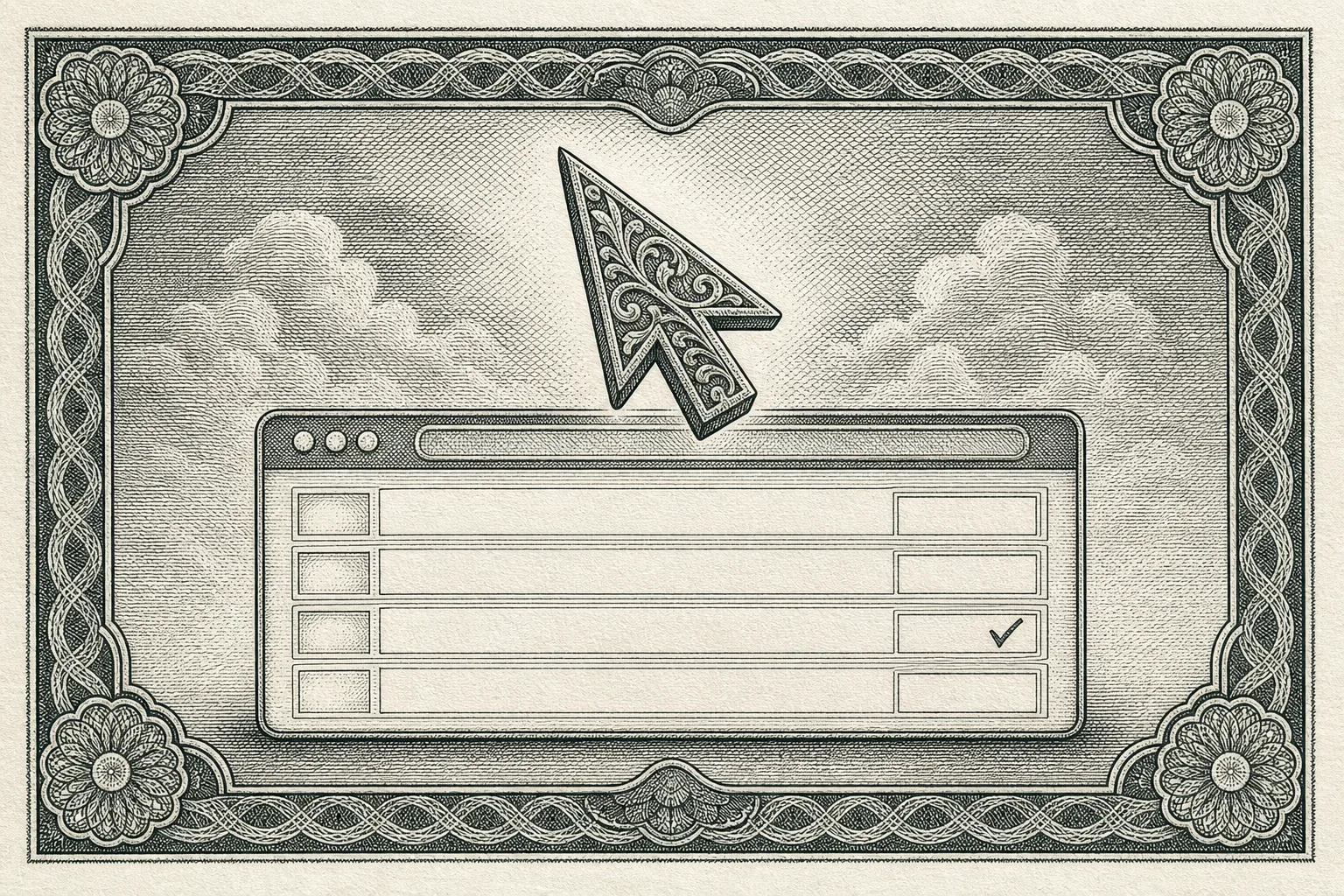
Copperplate engraving of an ornate arrow cursor hovering over a browser window with blank rows, one ticked, inside a guilloche border
Plate I. Cursor over a form, engraved

OpenAI's new model is pitched as the best at using a computer, and its launch page names a workflow designers will recognize: create a website, host it from a prompt, then run the frontend checks by clicking through the result. Plus Firefox 155's new CSS functions, Framer's 3D agent, and Webflow Campaigns.

Get the daily report by feedFollow @artdirdaily

00Art directionNo. 118

Today's Art Direction: The Inspection Certificate

A SaaS launch page printed like a security certificate: copperplate engravings on ivory plates, an oxblood ground ruled with pinstripes, green engraving ink, and sections that tear off as perforated coupons.

The lead story is a model that inspects the site it built, so the page borrows the visual language of things that certify inspection: banknotes, bonds, ticket stubs. The archetype is a product launch page for a build-host-check service. The security-print register supplies the treatment: engraved vignettes in green-black ink on ivory, a dark warm ground scored with fine horizontal rules, a didone display face over a plain grotesque, and a numbered stub torn along a perforation for every section.

Nothing here is a screenshot. The engravings are contained plates, each framed on its own ivory sheet, and the only saturated color is one green reserved for labels, links, and the primary button. The certificate sheet returns at the end as the Prompt Lab.

  • Perforated coupons
  • Ticket-stub masthead
  • Engraved plates
  • Guilloche border
  • Lot numbers
  • Ruled ground
  • Didone display
  • Green ink accent
01ToolingSep 3No. 118

Tooling

OpenAI, September 3

GPT-6 Astra is sold as the best computer-use model, and one of its example jobs is frontend QA

OpenAI's launch post lists what the model does on a screen: fill forms, update a CRM, and in the same breath, "create a website, and run frontend QA checks to make sure all the features on that site work." It also claims "stronger visual judgment" for the websites and apps it builds, and says the model is rolling out to Plus, Pro, Business, and Enterprise plans plus the API over the coming days.

For web designers the practical shift is where the model sits. Three days after Fable 5.1 arrived as a reader of your brand manual, Astra arrives as a user of your browser: it can open the deployed page and try the menu, the form, and the checkout the way a tester would, then report back. OpenAI also updated the Codex harness for computer use and quotes a 1.9x faster task completion on the Mind2Web benchmark.

"Anything you can do on a computer, Astra can do for you. Fast."

OpenAI's claim, as quoted by The Decoder

OpenAI, September 3

The price is Fable-class, and Codex gets notes that survive a context window

The Decoder's rundown puts the API at $10 for a million input tokens and $50 for a million output, in the same range as Fable 5.1, and reports a Codex feature that keeps notes across context windows so a long build can look up an earlier requirement instead of relying on a compressed summary. Engadget's launch coverage has the same pricing and the demo video of 3D modeling, slideshows, and parallel tasks.

OpenAI Developers, docs

Sites is the hosting half: every deploy URL is a production URL

The site Astra builds lands in ChatGPT Sites, which creates, hosts, refines, and shares websites from a prompt on a Workers-style runtime with D1 for records and R2 for uploads. The docs carry a warning any designer running client work should read twice: there is no staging, so save a version and review it before you deploy. The help article, updated this morning, adds that new Sites stay private to the owner and workspace admins until access is changed.

Framer, September 1

Framer's Agent now works in 3D, and every layer stays editable

Framer's Agent can set Perspective, Rotate X/Y/Z, Depth, Origin, and Backface, building spatial effects out of the same Frames and Effects you edit by hand. The post's advice is the useful part: use the prompt when a change spans many layers, then switch to the canvas to tune a spring or move an origin.

02TechniqueSep 1No. 118

Technique

Firefox 155, September 1

Firefox 155 ships CSS alpha(), progress(), typed attr(), and font-width

Four designer-facing additions in one release. The alpha() function changes only a color's transparency, so a token like a brand red can produce its own hover tint without a second variable. The progress() function returns where a value sits between two bounds, a building block for fluid type and spacing scales. The attr() function now returns any type, so a data attribute can drive a width or a color rather than only generated text, and font-width is the standard name for the old font-stretch.

The developer tools also gained an emulation panel for prefers-reduced-motion in the Rules view, which makes the reduced-motion guard on a page like this one a one-click check.

03WorkflowSep 3No. 118

Workflow

Lenny's Newsletter, September 3

Claire Vo's hands-on: use browser control for QA, not for building

Vo's early-access review runs Astra through production work in Figma and Flora, a one-shot feature she had failed to get from earlier models, and a CRM driven by computer use. Her workflow note is the one to borrow: she points browser use at QA rather than at building, and it caught things she would have missed. Her larger claim is that "UI is genuinely back," because a model that can operate an interface makes the interface the integration.

The pattern

Design for two readers of the same page

The launch and the review point the same way. A landing page now has a human visitor and a model visitor that navigates it by sight, and the second one files a report. Clear labels, honest focus states, and forms that fail loudly are what a machine tester rewards, which happens to be what the human needed all along.

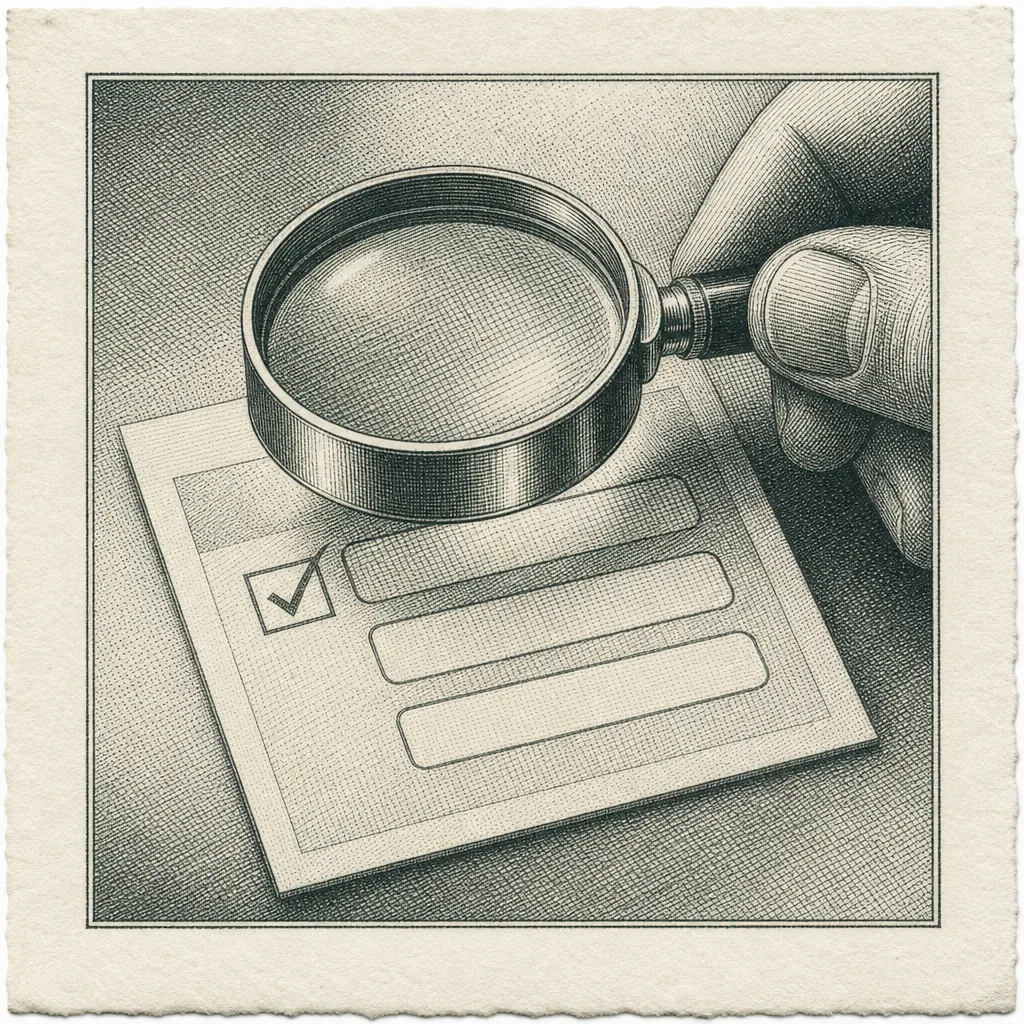
Engraving of a magnifying loupe held over a small form with three blank fields and one ticked checkbox
Plate II. The loupe over the form
04Design moveNo. 118

Design Move

Borrow this pattern

The perforated stub as a section marker

Every section on this page is a coupon: a narrow stub on the left carrying a lot number, the section name set vertically, and a date, separated from the content by a dashed rule with a round notch punched at the top. The stub is the table of contents, the metadata strip, and the section heading's ornament in one element, and it costs one grid column, one dashed border, and one radial-gradient pseudo-element.

Use it on any page where sections are discrete deliverables: a pricing page with plan tiers, a course syllabus, an event schedule, a changelog. It stays honest as long as the stub carries real metadata (a number, a name, a date), never a fake status; on narrow screens it turns horizontal above the content instead of shrinking; and the perforation is a border, not an image, so it stays crisp at any zoom.

Engraving of a circular guilloche seal with a laurel wreath and a bold check mark at its center
Plate III. The inspection seal
05Prompt LabNo. 118

Prompt Lab

Paste this into Beaver Builder AI, Framer, Cursor, Claude Code, v0, Lovable, or Bolt to rebuild the certificate page, readability guardrails and all.

Open the certificate sheet
Certificate sheetPrompt, No. 118
Build a SaaS product launch page for a service that builds a website, hosts it, and then inspects it by clicking through every feature. Treat the page as a security-printed certificate of inspection. Page archetype: SaaS launch landing page, expressive print register, dark warm ground.

Palette: oxblood ground #3A1B1F, ivory type #F3E9D6, ivory certificate sheet #EFE3CB with dark brown ink #2A1A16 on it, one green engraving-ink accent #6FB07C for labels, links, and the primary button, a quieter sage #A9C4AE for italic prose, and rose-ash #CFAEA8 for muted captions. No other saturated color. No gradients, no glow.

Type: Bodoni Moda (a high-contrast didone) for the headline, section titles, the lead item title, and one italic pullquote; Archivo for body and item titles; IBM Plex Mono only for stub numbers, dates, captions, and the prompt block. Body 19px, line height 1.7, measure 60 to 70 characters, never justified.

Ground: rule the whole page with a fixed repeating horizontal pinstripe, one hairline every 28px at about 11% ivory, like a ledger sheet. Nothing else on the ground.

Masthead: a single ivory ticket stub at the top of the hero, not a row of meta cells. Left cell: the issue or version number in the didone face with a small vertical "No." label; a dashed vertical tear line; right cell: date and reading time in mono. Notch the stub's left and right edges with round cutouts using a radial-gradient mask.

Hero: full-width didone headline up to 96px, then a two-column band: a wide engraved plate on the left (an image framed on an ivory sheet with 8px padding and a soft drop shadow), and on the right the deck at 22px, one green primary button plus one outlined secondary link, and a mono caption "Plate I."

Sections as perforated coupons: each section is a two-column grid, a 112px stub column and the content column, separated by a 2px dashed vertical rule with an 18px round notch punched at the top of the perforation. The stub holds a small green "Lot" label, the section number in the didone face at 44px, the section name set vertically (writing-mode vertical-rl, rotated 180 degrees), and a date in mono. Sections: Tooling, Technique, Workflow, Design Move, Prompt Lab, Field Note, Sources. Under 720px the stub becomes a horizontal row above the content with a dashed bottom border, and the notch and vertical text are removed.

Items: a mono date label in green, a 21px semibold Archivo title that is the link, and one or two short paragraphs. Hairline rules between items. The lead item's title is set in the didone face at 30px. Exactly one pullquote, italic didone at 28 to 42px, with a mono attribution line.

Plates: two supporting engravings sit beside the Workflow and Design Move text in a 300px right column with mono captions "Plate II." and "Plate III." on the ivory sheet. Generate all imagery as copperplate intaglio engravings in green-black ink on ivory rag paper with guilloche borders; no legible text, no logos, no photographs.

Design Move block: a slightly deeper oxblood panel with a hairline border, a green mono label "Borrow this pattern," a didone title, and two paragraphs. Prompt Lab: an ivory certificate sheet with an inset hairline frame and a mono header row, the prompt in a wrapping pre block.

Interaction: links underline in green on hover; buttons shift tone over 150ms; on hover the whole coupon nudges its stub 3px left as if tearing; wrap all of it in a prefers-reduced-motion guard. No fake toggles, search fields, or status chips. No accent left-border stripes on cards. Border radius only on the stub notches, never on panels. Keep contrast at WCAG AA for every mono caption against its actual surface.
06Field noteSep 4No. 118

Field Note

OpenAI opened the week promising a future without the mouse, and the first thing its model does on a website is reach for one. The pages we design are about to be inspected by a visitor that clicks like a person and complains like a linter, which is a fair argument for building them plainly.

07SourcesNo. 118