Source by Webflow, research preview update
Webflow's Source sends a designer's edit to a GitHub branch first
The latest Source build reads Astro content, publishes to a GitHub branch before Webflow Cloud, and adds an agent that builds custom Views. Every visual edit now goes through Stage, Review and Apply.
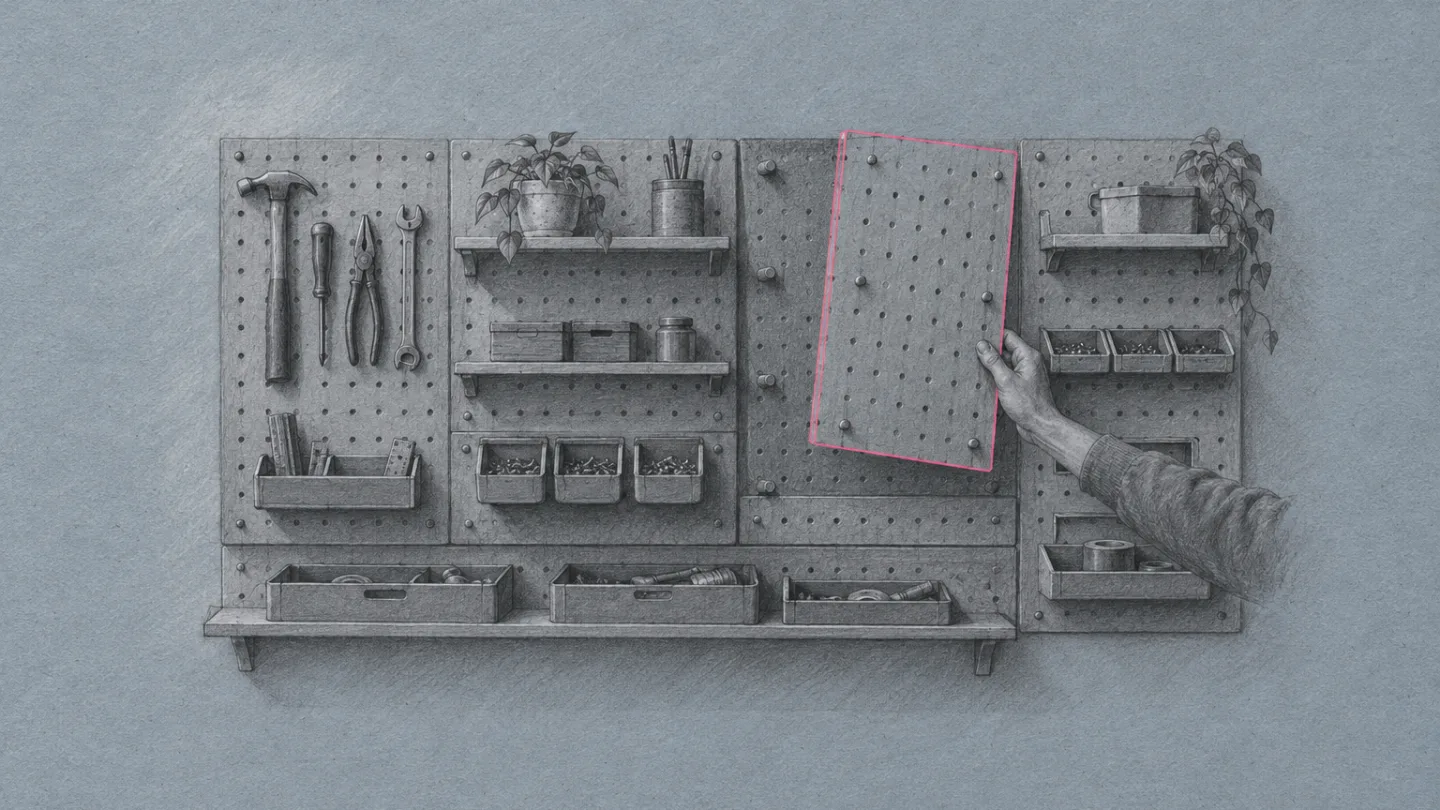
The Staging Console
A workspace settings console where pending changes wait in a rose pink bar.
A settings and admin console, the screen nearly every SaaS client asks for once the marketing site ships. Sections sit in a grouped settings sidebar, and each card opens with a mono setting key and a filled status label. Graphite plates on toned paper play the product's illustration style, and the one rose pink is kept for anything staged and waiting.
- settings sidebar
- setting key
- status label
- account card
- staged change
- review list
- save bar
- graphite plate
An agent for the panels your team designs
Views are the screens inside Source by Webflow: built-in surfaces for visual building, content and optimization, plus custom ones a team shapes around its own work. The October 28 research preview update adds a View Builder agent whose only job is creating and editing those custom Views.
Partners building Views for clients asked for more control from their own coding tools, so Webflow moved the Source CLI to the top of its roadmap as the first step toward a full SDK for Views, agents and integrations. Source itself was announced at Webflow Conf, covered here in September.
The software adapts to how you work and not the other way around.
Ben Haefele, Webflow chief product officer
- Announced
- October 28, 2026, on the Webflow blog
- Access
- Limited research preview, widening over the next month
- Agent
- View Builder, for creating and editing custom Views
- Coming next
- Sharing private Views with teammates, plus custom agents and skills
Every visual edit goes Stage, Review, Apply
Source now moves between Edit, Code and Preview modes, with expanded styling controls and a Navigator for reordering elements. All visual edits follow the same three steps, so a change made on the canvas is held for a look before it lands in the code.
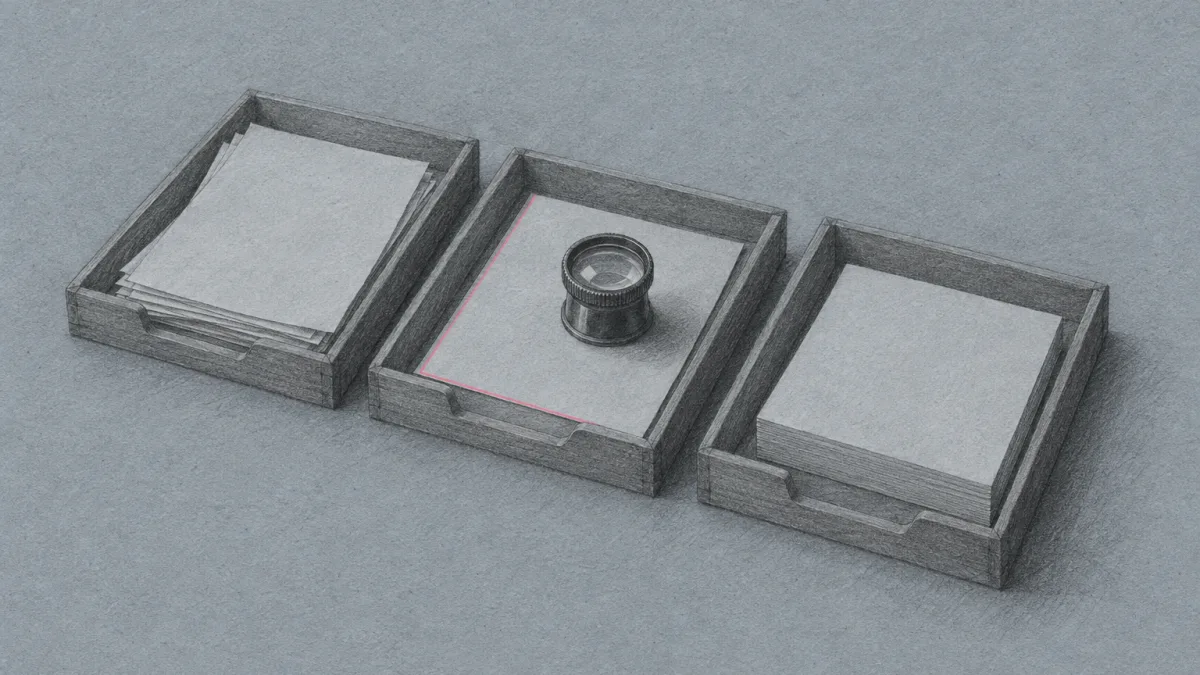
It is the pull request rhythm brought onto the canvas, without asking a designer to open one. For a client team, the review step is also the place where someone can say not yet.
Astro content in the Content View, changes on a GitHub branch
Source opened with Next.js support and now reads Astro too: local Astro content collections can be browsed, searched and inspected in the Content View, next to the existing Sanity integration.
Teams can work on one GitHub-connected codebase in cloud environments, so nobody sets up a local dev environment to join in. Changes publish to the app's branch on GitHub first and deploy to Webflow Cloud when the team is ready.
Figma's agent can now open Google Drive
Figma's October 29 release notes connect Google Drive to the Figma agent and Make, to pull research, real data or assets onto the canvas and to create new Drive files without leaving the design file. Connectors now come on every plan, Starter included.
Stage settings changes, then apply them together
Settings screens usually autosave each field, which is fine for one toggle and risky for six. Borrow Source's sequence: hold every edit as a staged change, show the count in a bar that appears only when something is pending, list each change as a before and after row, and apply or discard the set at once.
- Name the change in words, like "Default view: Content to Design". A dot or an asterisk on the field is easy to miss.
- Show the bar only when the count is above zero, and keep Discard beside Apply.
- Tint the edited field while it waits, so the form and the review list point at the same thing.
- Use native controls and a live region for the count, so the queue is announced as well as shown.
.savebar { position: fixed; bottom: 20px;
  transform: translateY(160%);
  transition: transform .2s ease; }
.savebar.on { transform: none; }
.field.dirty { background: #F6E3EB; }Build this settings console
Paste into Lovable, Webflow, v0, Claude, Framer or Beaver Builder AI
Build a workspace settings and admin console page for a SaaS product, as one responsive page with real, readable content.

Layout
1. A 60px dark app bar: product name left, a small mono page location, three plain nav links right.
2. Below it a two-column shell: a 232px sticky settings sidebar and a main column. The sidebar groups its links under small mono group headings (for example Workspace, Publishing, Reference). The link for the section in view gets a light filled background, set with IntersectionObserver.
3. The main column opens with a page header: a mono kicker, a heavy grotesque headline under 16 words, a two-sentence deck, one filled button and one text link. Beside it, an account summary card (a large bold name or number, then labelled rows: plan, owner, updated, status). No boxed grid of meta cells.
4. One wide contained illustration card under the header, with a slim title row above the image and a one-line caption below.
5. Every section is a settings card: a header row with a mono setting key (like workspace.publish) on the left and a solid status label on the right (Shipped, Preview, Reference), then a bold h2 and the content. Facts go in a dt/dd list with a mono term column.
6. One settings card holds a live form of three native controls (a select, a checkbox, a two-option segmented radio group). Changing a control tints that field and adds a row to a Staged changes list written in words ("Default view: Content to Design"). Apply and Discard act on the whole set. A fixed save bar slides up from the bottom only while the count is above zero, with the count, Review, Discard and Apply. Announce the count in a live region.
7. End with sources as a numbered list, a three-tile previous/index/next row and a short colophon.

Look
- Ground: dark muted slate #1F282C with a faint fractal noise grain. Cards: cool paper #ECEFEC with ink #162024. Rose pink #E0659A on dark and #A82A5E on paper is reserved for staged changes, focus rings and the primary button. Sage #BFD6C6 marks shipped status. Muted text #586A70.
- Type: Schibsted Grotesk for headlines and body (800 for headings, 400 body, italic only for one pull quote), Martian Mono for setting keys, labels and values.
- Illustrations: graphite pencil drawings on blue-grey toned paper with a single rose pink pencil line, no readable text.

Guardrails
- Body text at least 18px with line-height 1.6 or more; lines around 60 to 75 characters; never justify.
- Small labels must meet WCAG AA against the surface they sit on.
- Card radius 12px, inputs 8px, labels 4px. No pills, no accent stripe borders, one shadow only (on the save bar).
- No neon, no glow, no purple-blue gradients, no gradient text, no fake toggles that do nothing.
- Hover and focus states at about 150ms, and a prefers-reduced-motion guard.
- On phones the sidebar becomes a collapsible "Jump to a setting" block at the top, cards go full width and the save bar wraps its buttons under the count.
source.next
Field note
Webflow says the next preview release brings a CMS whose collections, items and reusable blocks, like a hero or a quote, are created inside Source. Once content structure goes through the same staged review as layout, the review step covers the whole page.
Sources
- Source Notes: Updates from the research previewWebflow blog, Ben Haefele, October 28, 2026
- Connect Google Drive to the Figma agent, available on all plansFigma release notes, October 29, 2026
- Introducing Source by WebflowWebflow blog, Webflow Conf 2026